Ramp for Construction overview
Overview
Available on Ramp Plus. See Ramp Plus overview for plan details.
Ramp for Construction connects project coding, project spend, project manager approvals, retainage, and subcontractor document checks across Ramp. Each capability has separate accounting-provider and setup requirements, so use the feature articles below to confirm eligibility.
Use Ramp for Construction features
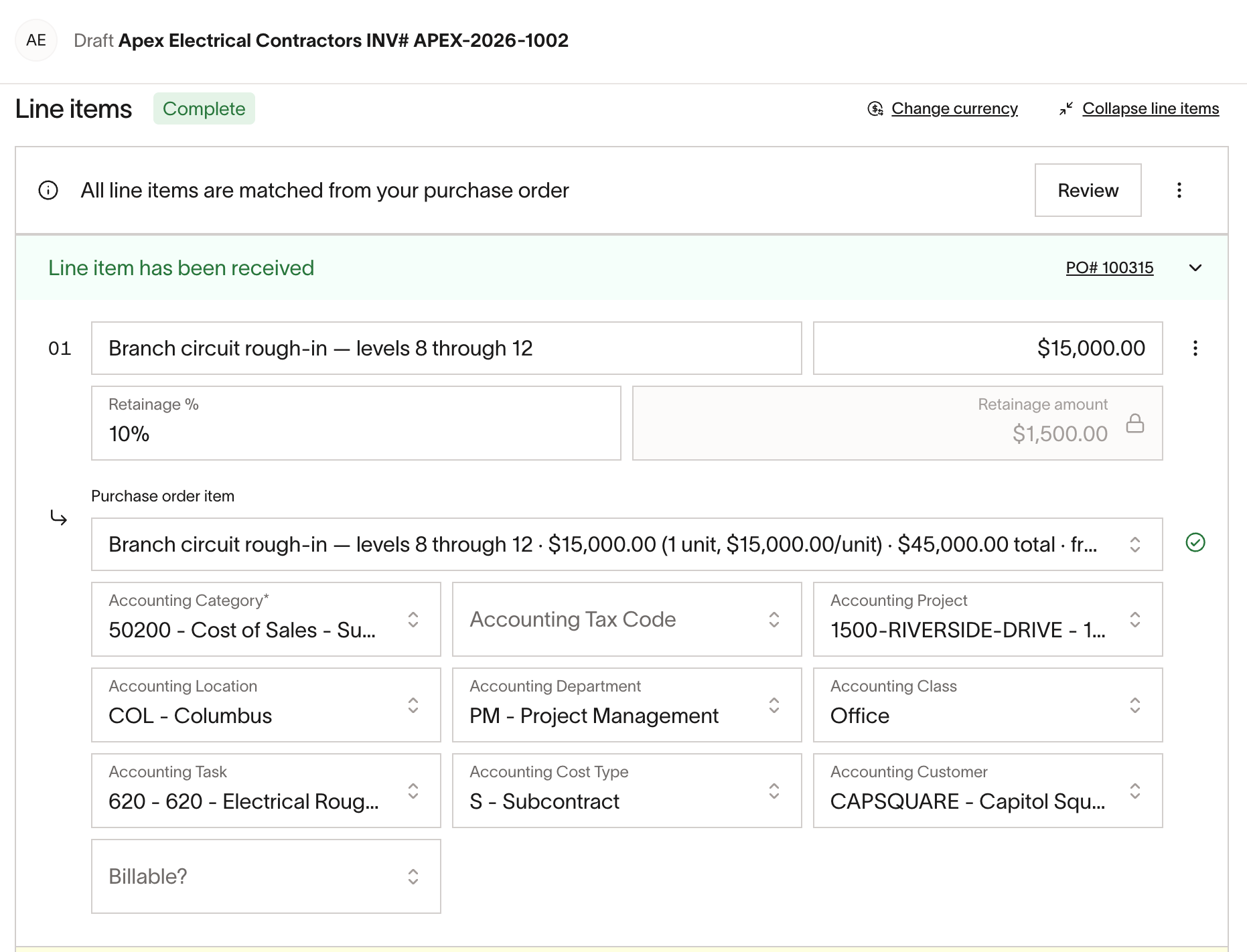
Manage retainage in Bill Pay
Ramp can record retainage on bill and purchase order line items, track unreleased balances, and create retainage release bills. See Manage construction retainage in Ramp Bill Pay to check whether your accounting provider is supported and learn how to withhold or release retainage.
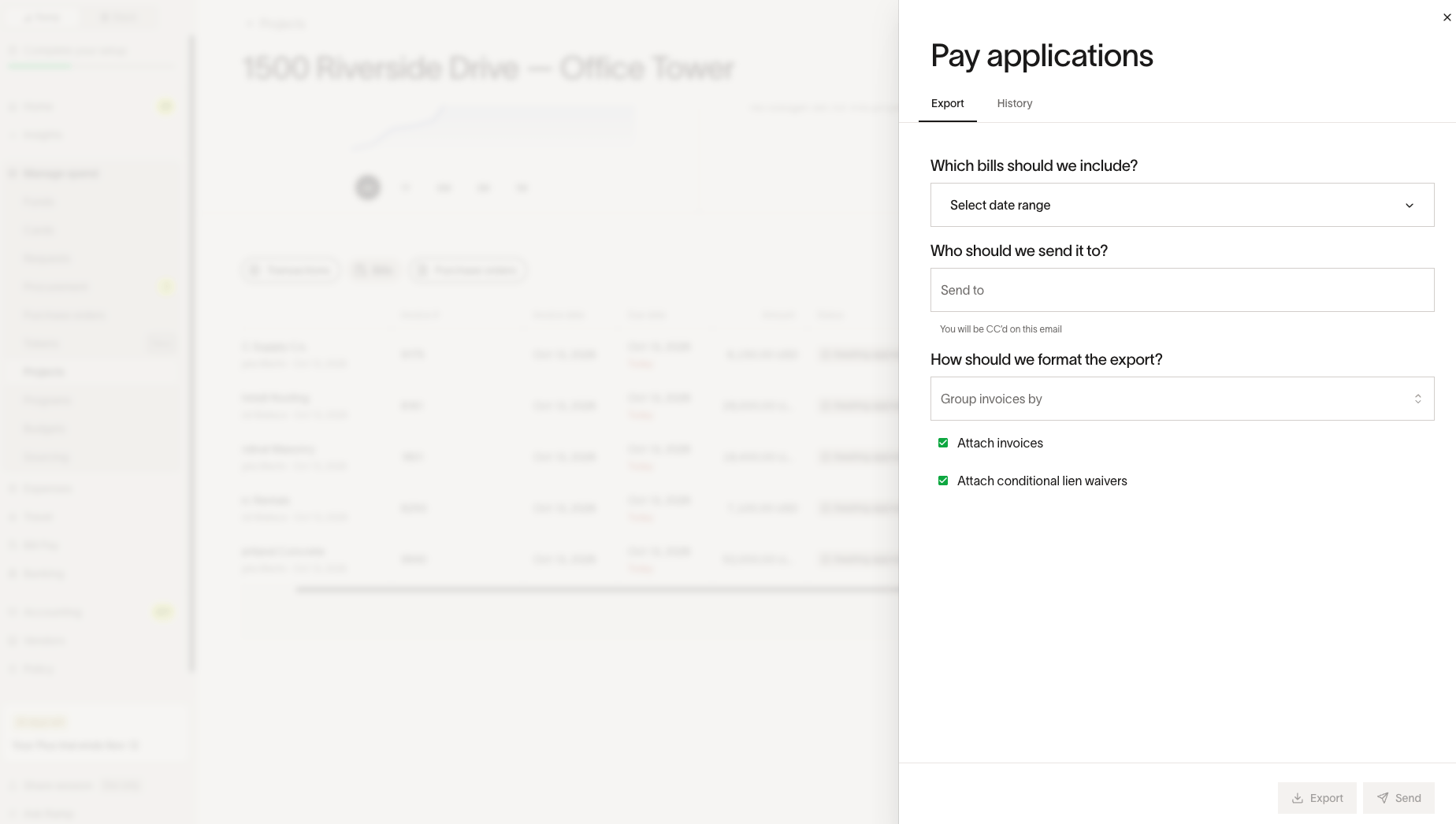
Create pay applications for project owners
Package a project's unpaid subcontractor bills, invoices, and conditional lien waivers into one PDF to send to the project owner. See Create General Contractor "GC" pay applications for construction projects to learn which bills are eligible and how to export or send a pay application.
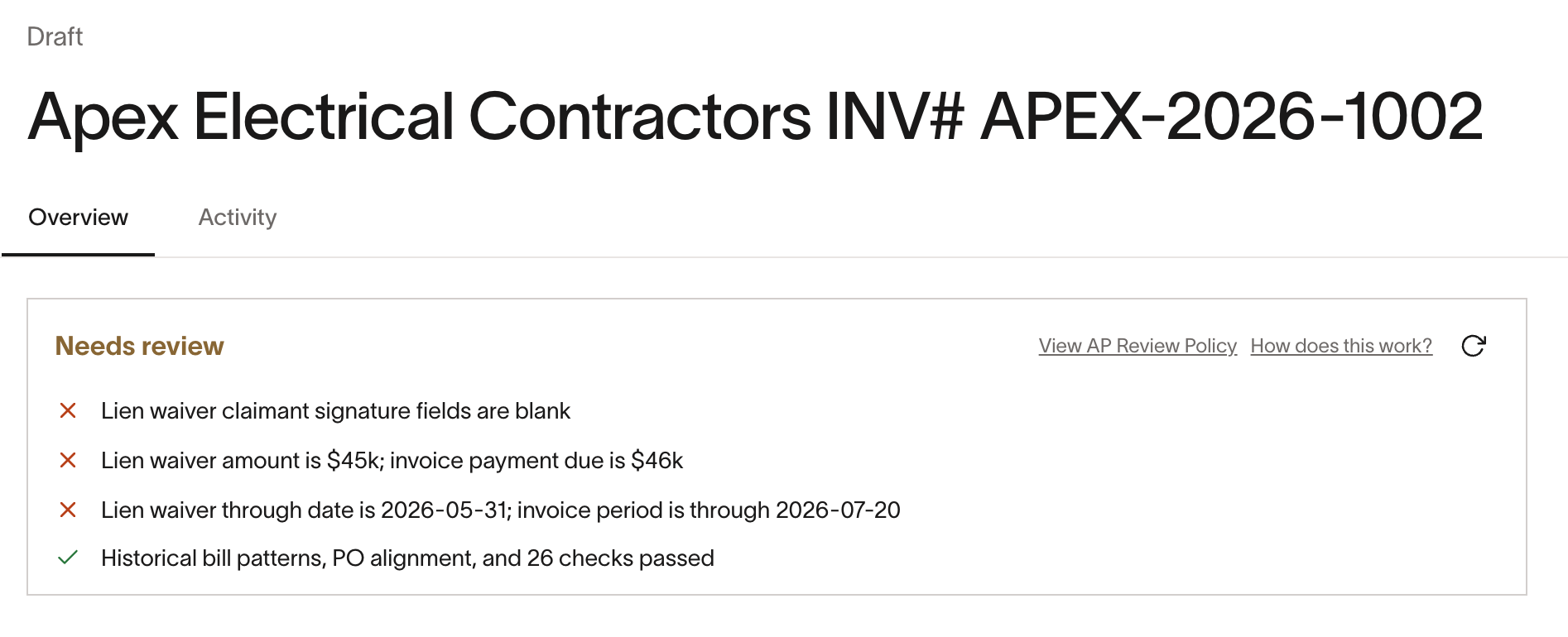
Check lien waivers and certificates of insurance
Use Ramp's automated bill review to check lien waiver and certificate of insurance documents and inform approvers about compliance. See Set up construction lien waiver and COI checks for the default checks and review requirements.
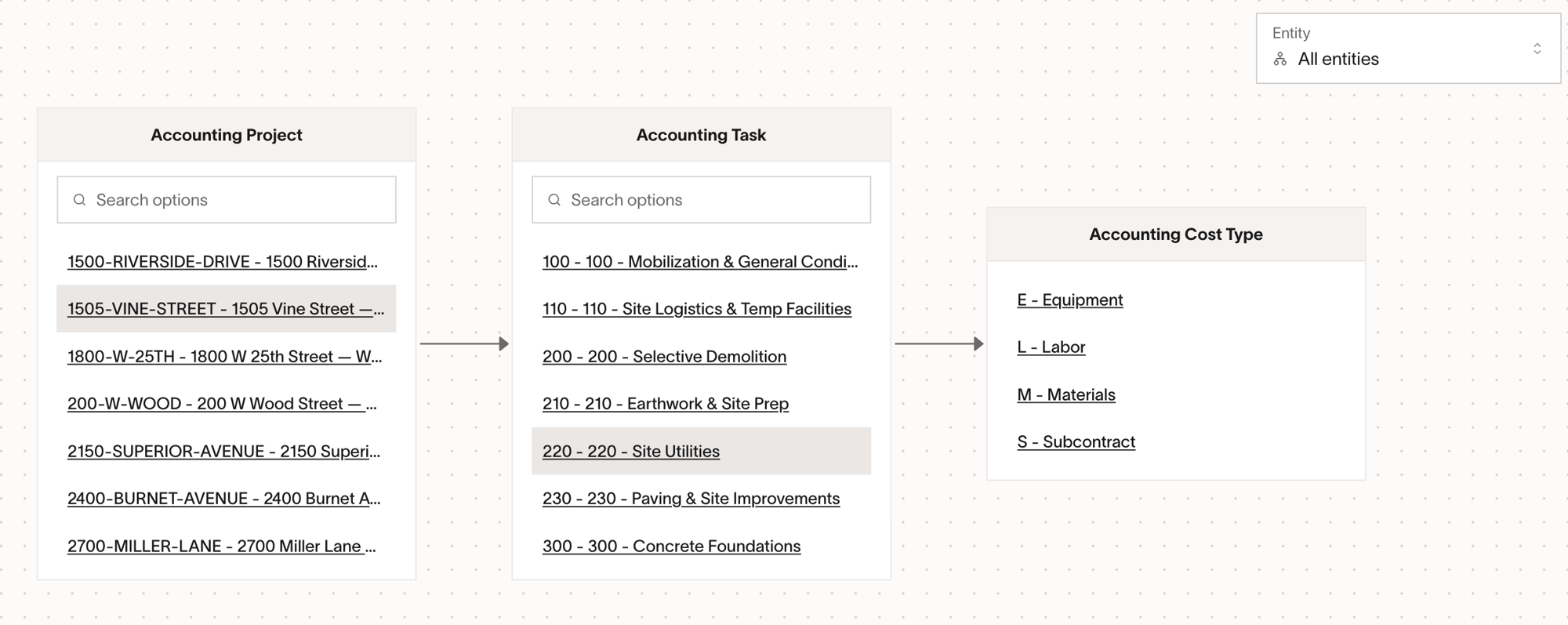
Code construction projects and job costs
Ramp can require users to code spend to projects and include those project values when supported records sync to your accounting provider. Coding relationships guide users through related fields by showing what must be selected first. See Construction job costing and project coding to learn how project coding works and how to track projects only in Ramp.
Route approvals to project managers
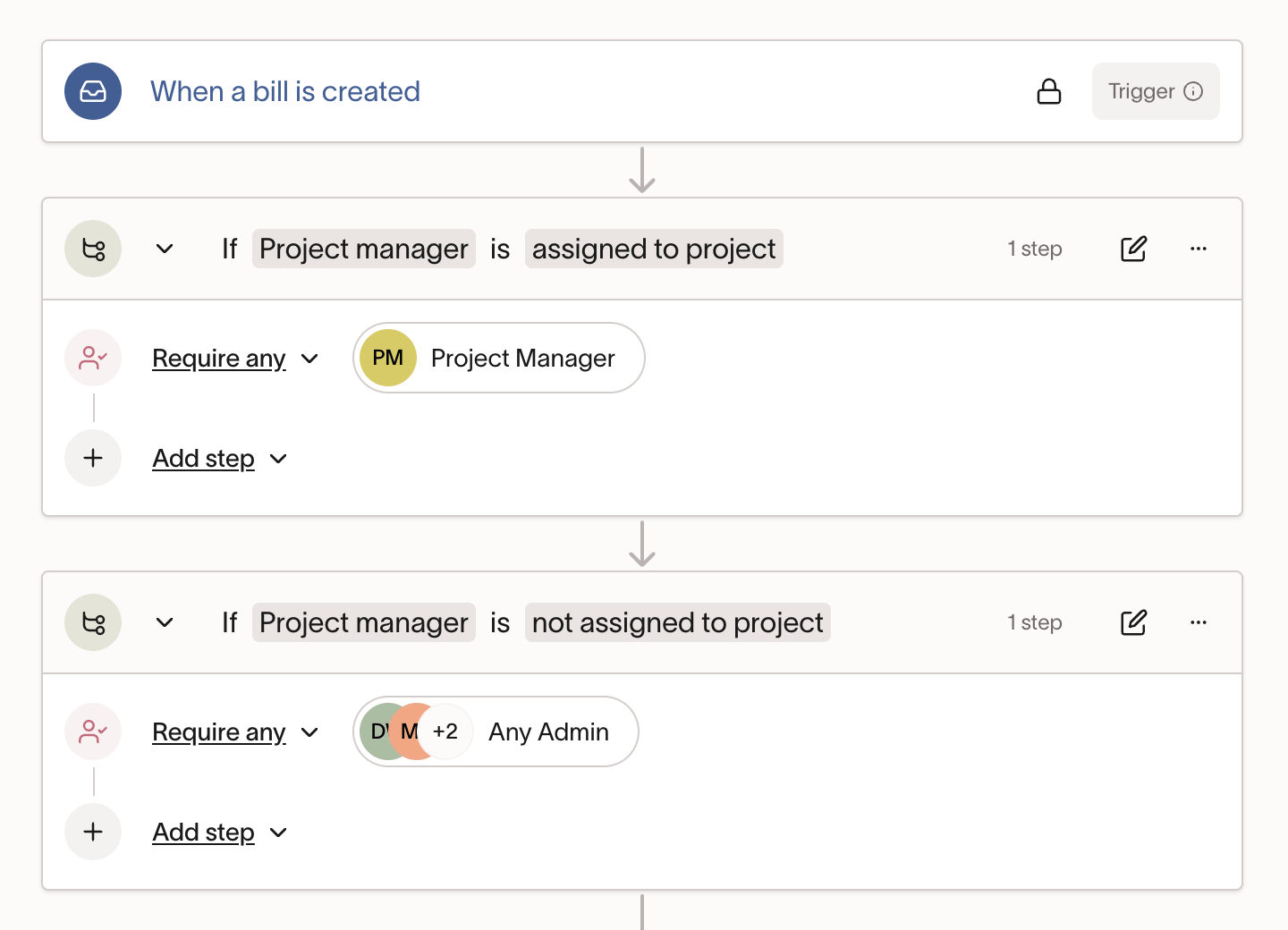
Add Project manager as a step in an approval policy to route an expense to the manager assigned to the project it is coded to. This works with expense review, Bill Pay, and purchase order request workflows. See Construction project manager approvals for supported accounting providers and setup.
Monitor construction project budgets
Use Ramp Budgets to compare project spend with planned amounts, monitor utilization, assign budget owners, and configure alerts. See Budgets overview and setup to learn how budgets work and how to configure them.