Uber integration: Set up for admins
Note: This article primarily applies to Ramp Administrators. Want to show employees how to use this integration? See this article: How to use Ramp’s Uber integration for employees
Overview
Automate expense reporting with Uber and Uber Eats. Employees will be able to ride with Uber or order from Uber Eats without having to manually submit their receipts. Ramp will automatically collect, verify, and match the expenses.
What do I need to set up the Uber integration?
- An Uber for Business organization for your company
- If you do not have an account, we recommend creating a decentralized account through Ramp. A decentralized account means employees pay with their own corporate card rather than all employees paying through a single, designated corporate card as a part of a centralized account
- Sign-in information for your Uber for Business account
- Admin permissions on Uber for Business and on Ramp
How do I turn on the Uber integration as an Admin?
Interactive demo: Set up Uber integration
Set up the integration
- Verify you have an Uber for Business account
- If you do not have an account, you will be able to create one through the Ramp setup flow
- Create or link an existing Uber for Business organization
- If you do not have an Uber for Business organization, you can create one through the Ramp setup flow
- If you have an Uber for Business organization and are not the admin, you may request for the Uber admin to change your Uber role to admin so that you can manage the setup
- Navigate to Company > Integrations
- Click on Receipt Capture → Uber
- Click “ Connect app "
- Complete the linking or creation flow through Uber and authorize third-party access
Invite employees to this integration
- Click “Invite” to add employees to the integration
- You can add employees individually or in bulk through the roles dropdown
- If you’d like to automatically invite all new employees, you can click the settings gear and toggle the option on
- When you add an employee, they will receive an email with a QR code to link Uber for Business on their personal Uber profile. Their names will appear on the Ramp’s Uber Integration roster.
- You can remove employees from the integration from within the “Manage People” drawer of the organization
What can I do or see on the Uber integration page?
- Invite and resend Uber integration invites to employees
- Remove employees from the Uber integration
- See how many receipts have been captured
- See which employees you’ve invited to use the Uber integration
- See which employees have activated the Uber integration
- Disconnect the connected Uber for Business organization
Replace the connected Uber for Business organization
Each Ramp business can connect only one Uber for Business organization at a time. To connect a different organization, an Admin must disconnect the current organization first. Ramp displays Link existing account again only after the current organization is disconnected. The replacement organization must already exist before you disconnect the current organization.
To replace the connected Uber for Business organization:
- Open Uber from Receipt and invoice capture.
- Click the settings gear in the top-right of the integration page.
- Select Disable to disconnect the current organization.
- Reopen the Uber integration and select Link existing account.
- Complete the Uber authorization flow for the replacement organization.
Frequently asked questions
Does this work with either a Decentralized or Centralized Uber for Business account?
- Yes, Ramp’s integration works with either account type. However, we recommend using a Decentralized account so that each user can purchase rides and Uber Eats with their own card or funds.
How do I disable the integration? What happens if I disable it?
-
Disabling the integration will stop the Uber for Business receipts from being synced to Ramp transactions
-
Disabling the integration does not remove your employees from your Uber for Business account. If you would like to disconnect the employees, you may do so before you disable the integration in Ramp or in the Uber dashboard if you wish to continue to manage who is part of your Uber for Business organization.
-
You may disconnect the integration by clicking into the Uber integration, selecting the gear icon, and clicking the “Disable” button.
-
If you re-enable the integration after disconnecting, all your added employees will still be connected.
My receipt is not being automatically ingested, what could be wrong?
-
Check that you are booking from the Uber for Business organization connected to your Ramp business.
-
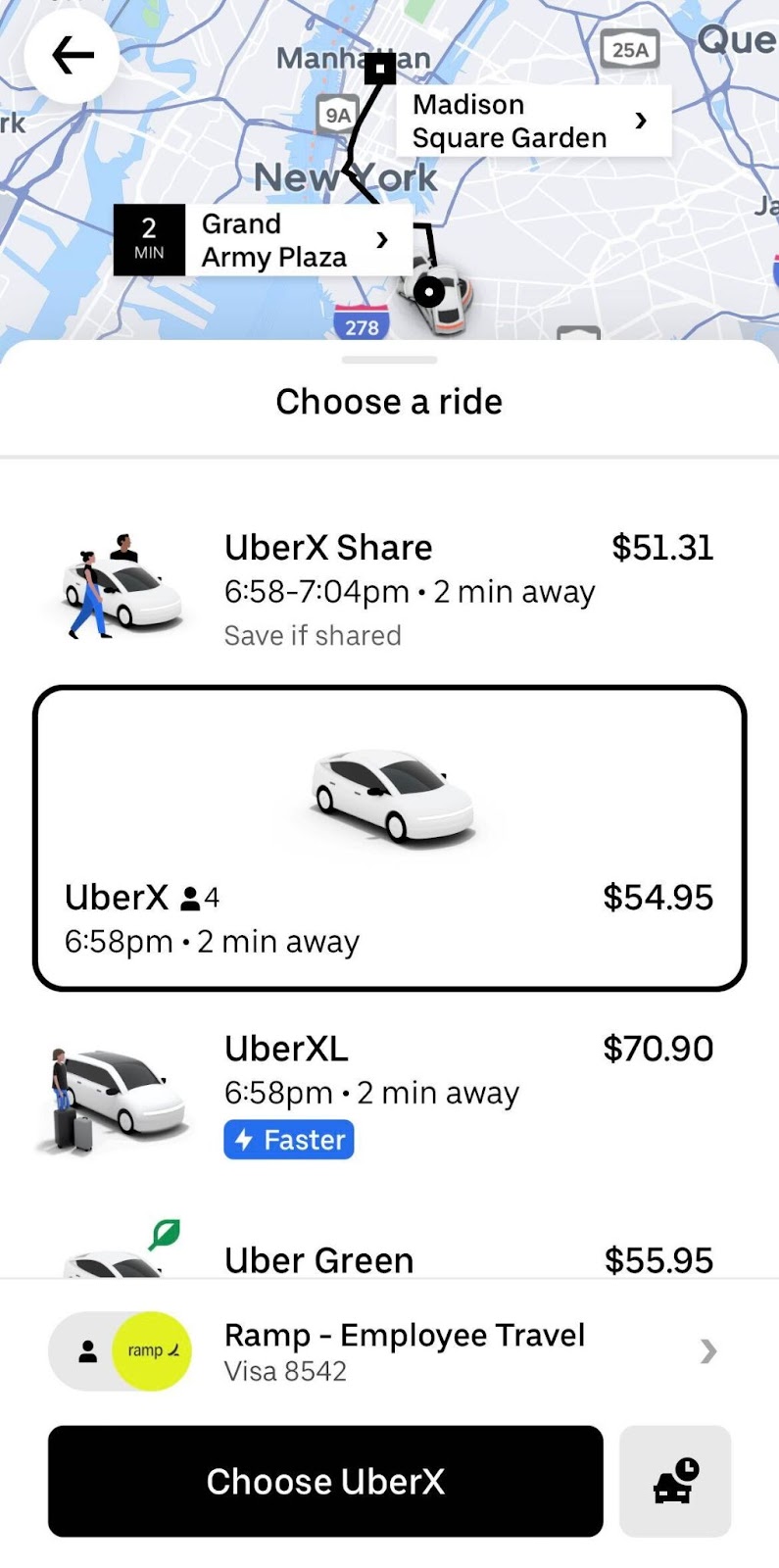
At the time of booking, check that you are using the correct business account and paying with a Ramp card.
- Is there an email template I can use to communicate this rollout to my employees?
Hello,
You will soon be receiving an invite, both via Email and Text, asking you to join the Ramp + Uber program. Below is a screenshot of what the email might look like. This is not spam.
Ramp and Uber have teamed up to integrate Uber into the Ramp platform to automate the process of filling out transaction details after taking an Uber ride or ordering via Uber Eats. As you know, you currently need to do a few things for each transaction on your corporate card. You need to attach a receipt and complete the memo. With this integration, receipts from Uber rides or Uber Eats orders that match a Ramp transaction will automatically be attached. The integration can also add memos for Uber rides.
Please activate this integration and give us your feedback, as we are continuously trying to improve the corporate card experience.
*Please remember to use the Business profile and connect your Ramp Card when you ride with Uber*
Thanks,
[Your name]