How to add / change personal bank account details
Overview
Ramp allows all users to connect a personal bank account to receive reimbursement payments from their employer. US-based employees can also use this account to submit repayments for accidental charges, which we provide details on here.
We currently support direct and manual connections to US-based accounts for ACH payments, and manual connections with non-US accounts to receive wire payments.
Please note you can only have one personal bank account connected at a time.Also, we do not currently support spending from credit/debit cards or third-party money transfer accounts.
Adding a US-based account
To add your personal bank account for reimbursements:
-
Sign in to your account and click Profile (top right) > My settings > Banking Tab.
-
Click "Connect New Account."
-
If your banking institution is supported, select that option, follow the prompts, and you'll be all set (if you are prompted to add a mailing address, please enter your personal mailing address).
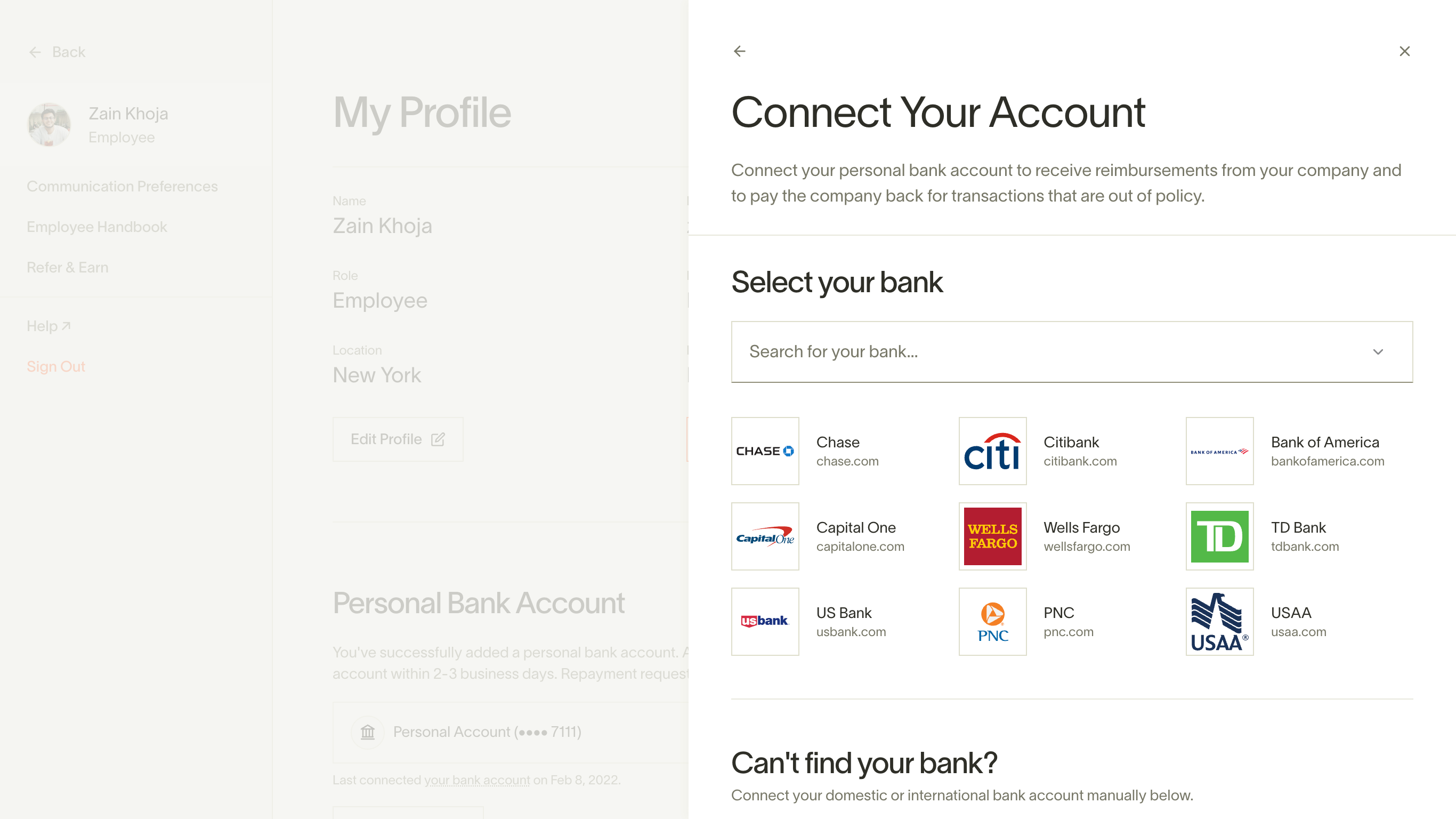
If your bank is not supported, or you have trouble connecting directly, you can click the Add account details button to establish a manual connection. This will prompt you to enter your account and routing information directly.
Keep in mind that checking accounts will work best, and to make repayments, your bank account must be able to make payments as well as receive them.
Please note: we encourage users to verify their bank accounts as a best practice, but it's not necessary to receive reimbursements. Users can submit and process reimbursements without verification. However, verification is required to initiate repayments.
Adding an international bank account
To add your personal bank account for reimbursements:
-
Sign in to your account and click Profile (top right) > My settings > Banking tab.
-
Click "Connect New Account."
-
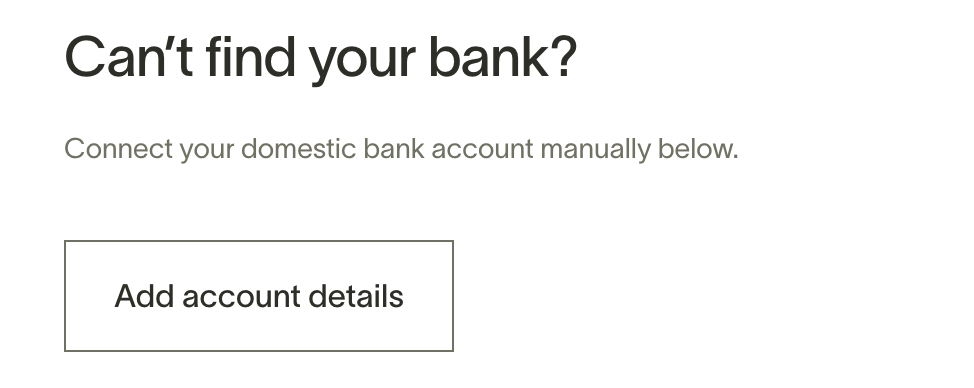
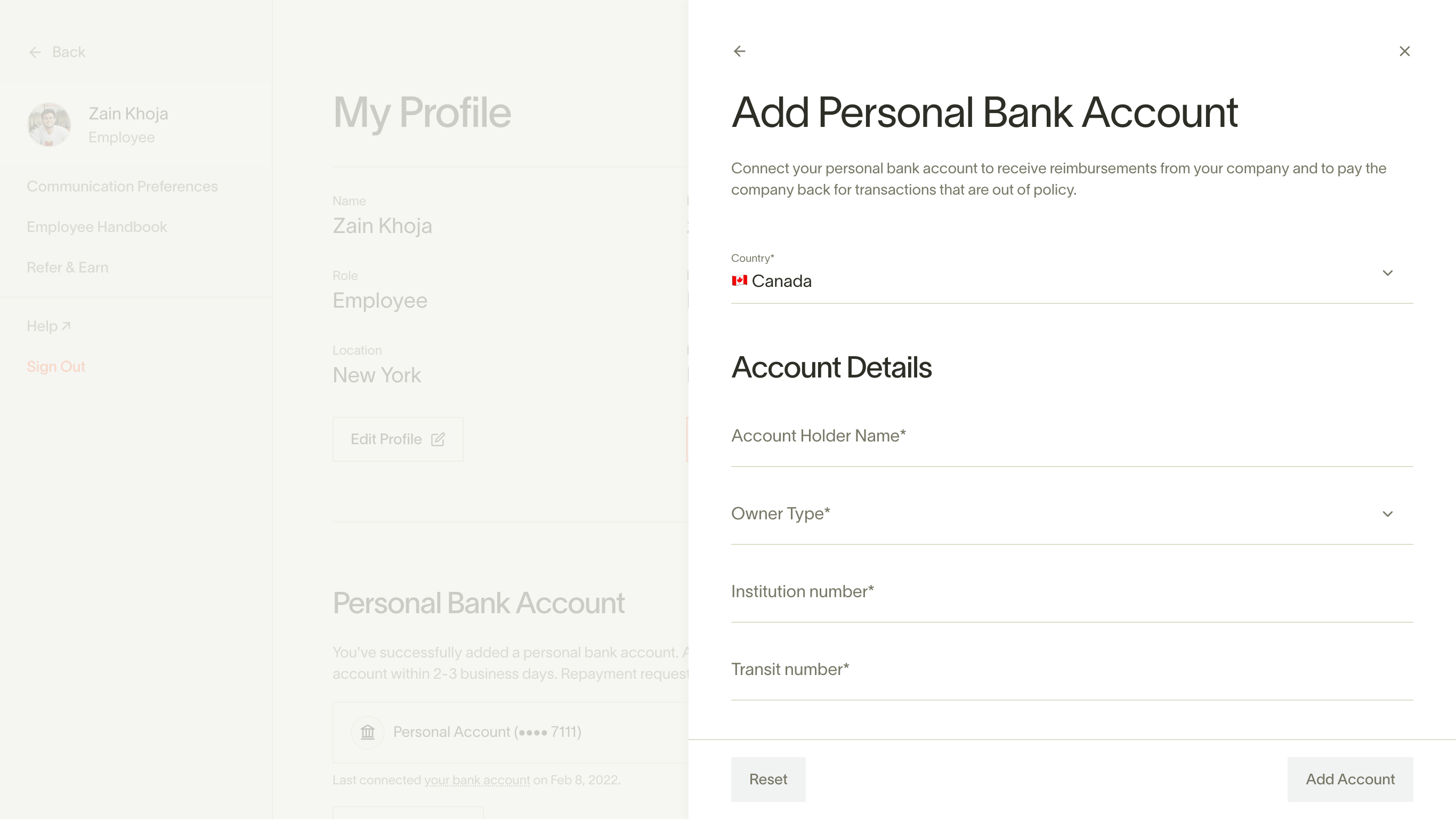
To add an international bank account, scroll past the list of banks and click "Add account details".
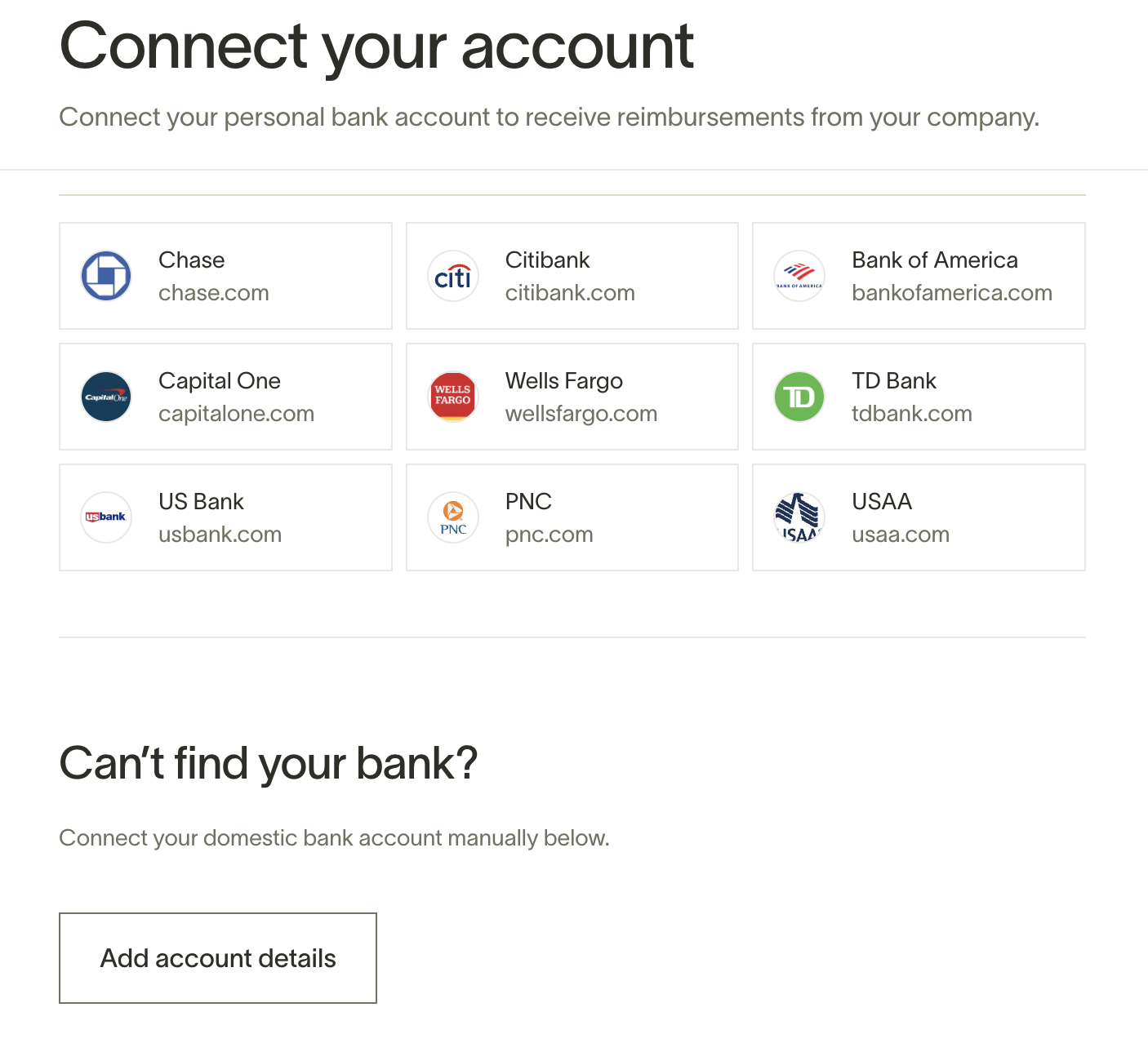
- From there, select your country, enter your account details, and you're good to go. Note that required fields for bank accounts vary by country. If you're not sure how to enter your information or what is being requested, your bank representative may be of assistance.
Please note: Businesses based in Nevada, and businesses in certain industries, may not be able to use international reimbursements or may require Enhanced Due Diligence (EDD). See Limitations for international reimbursements for details. Additionally, we currently do not support repayments to international bank accounts.
Removing a personal bank account
To remove your personal bank account for reimbursements:
-
Sign in to your account and click Profile (top right) > My settings > Banking tab.
-
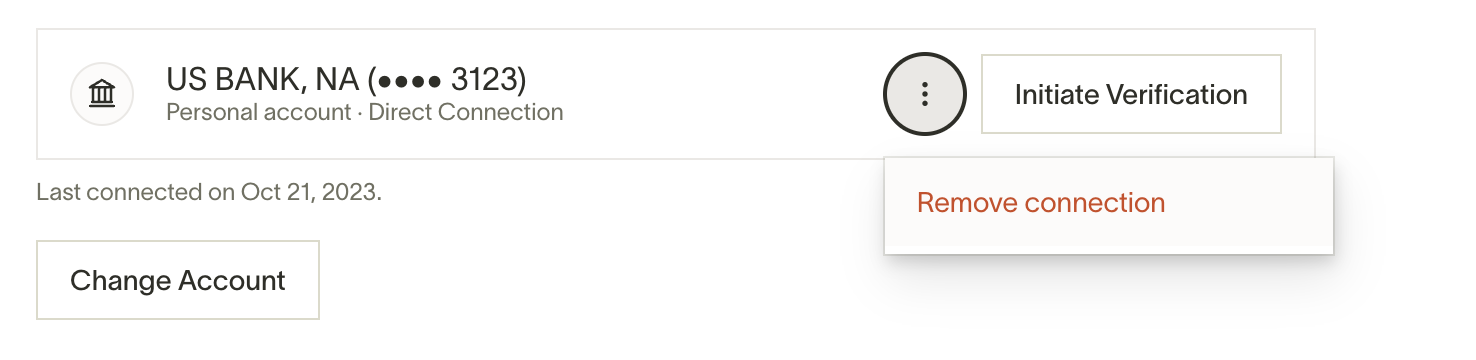
Click on the three small dots to the right and select "Remove Connection".