Connect OpenAI API to AI Spend Management
Overview
Connect OpenAI API so Ramp can import your API cost and usage data into AI Spend Management. You can connect automatically with Ramp for Chrome or manually with an Admin API key.
Note: Provider setup is the same whether your business has a standalone AI Spend Management account or a core Ramp account. The screenshots below show an older connection name; in Ramp, look for OpenAI API.
Before you connect OpenAI API
You must belong to an OpenAI Platform organization. Personal accounts cannot connect.
Your Ramp role must allow you to connect providers. See roles that can connect providers for core and standalone accounts. If you do not have one of these roles, ask someone who does to connect the provider.
Connect automatically with Ramp for Chrome
This option is available only when automatic setup is enabled for your business, you use a supported browser with Ramp for Chrome installed, and you have permission to administer AI Spend Management. If you have permission to administer AI Spend Management but do not see Connect automatically, use the manual Admin API key instructions instead.
- Install Ramp for Chrome.
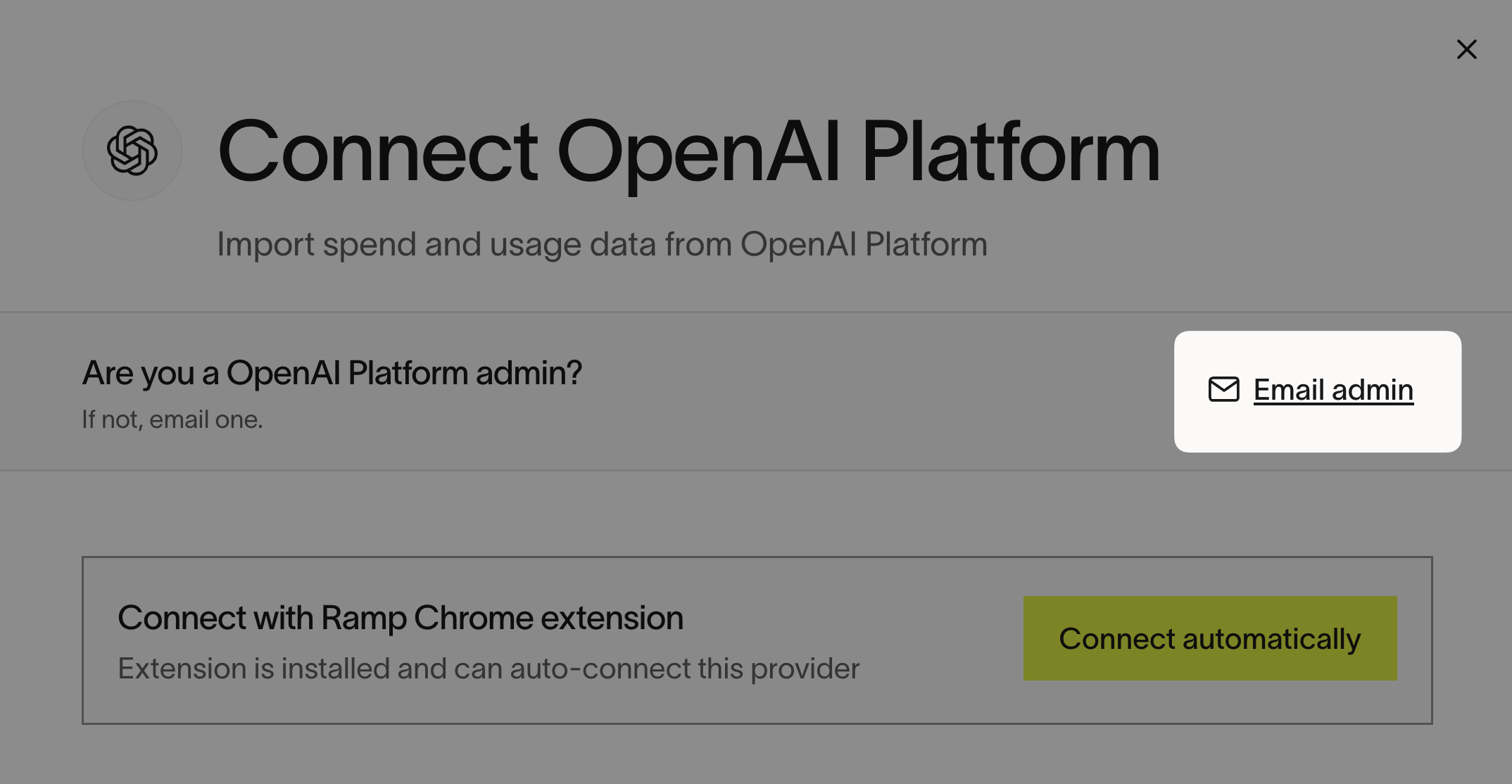
- Open Connect OpenAI API in Ramp.
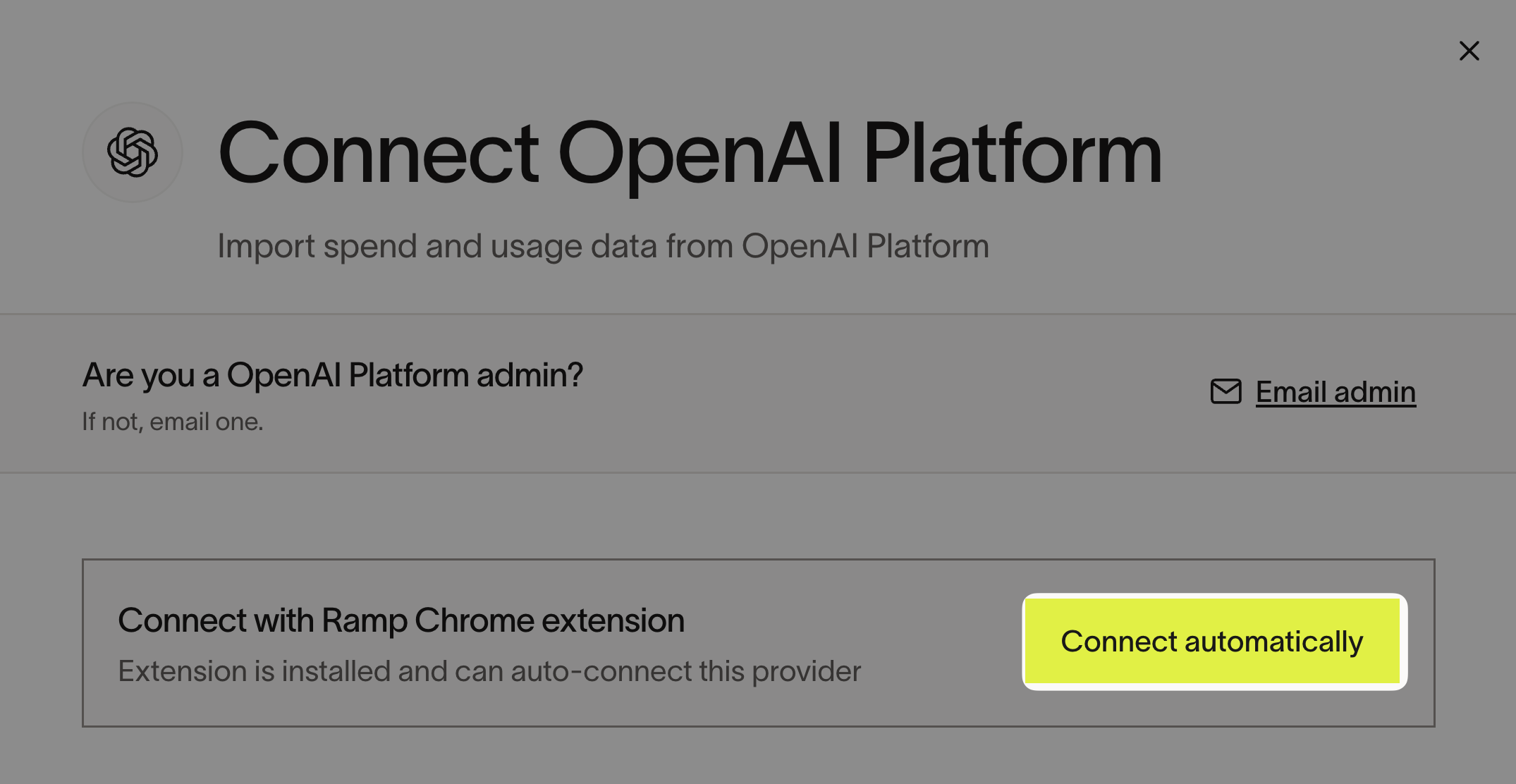
- Select Connect automatically. If you are an OpenAI Platform admin, Ramp creates the API key. Otherwise, Ramp identifies your admins and emails them instructions.
Connect manually with an Admin API key
-
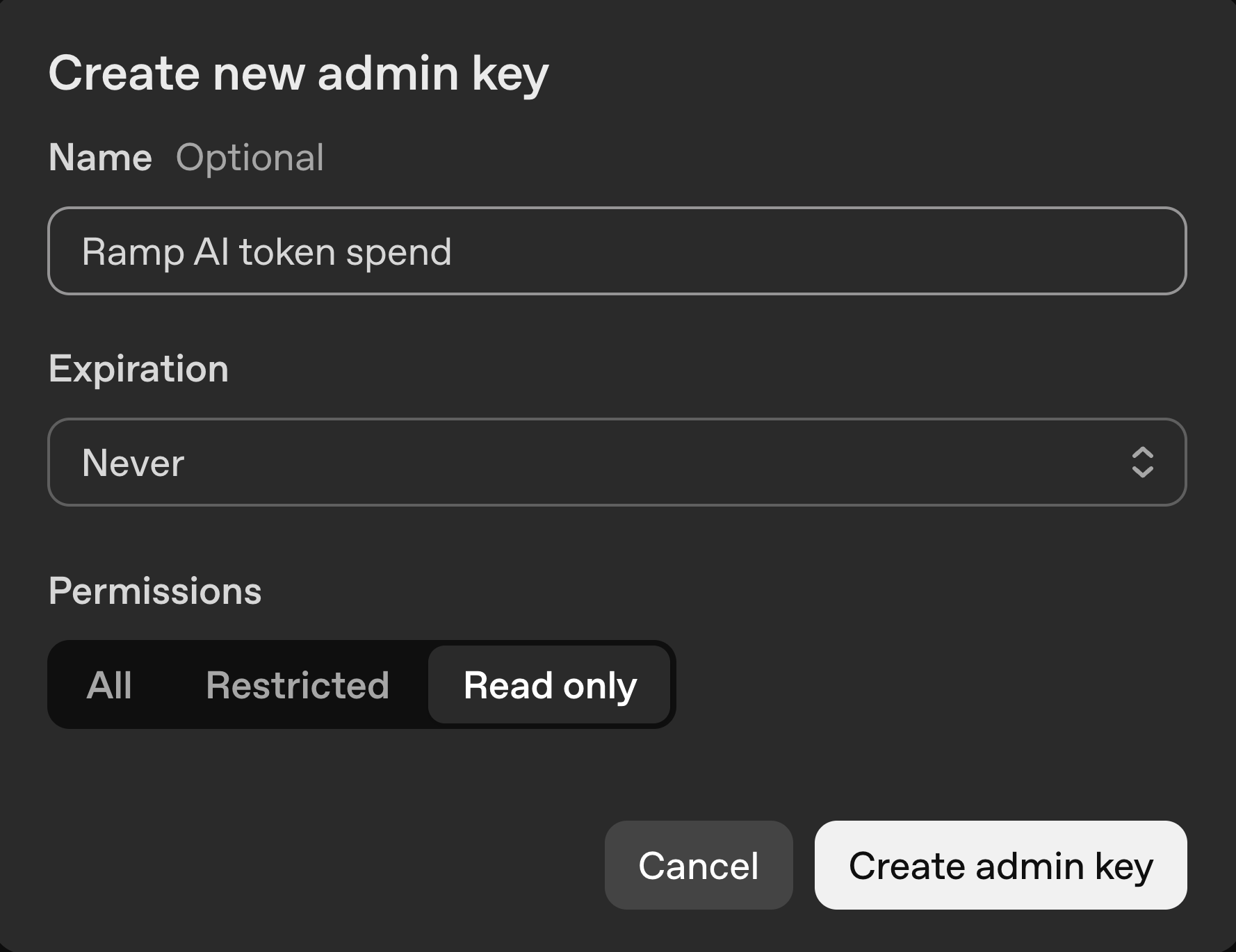
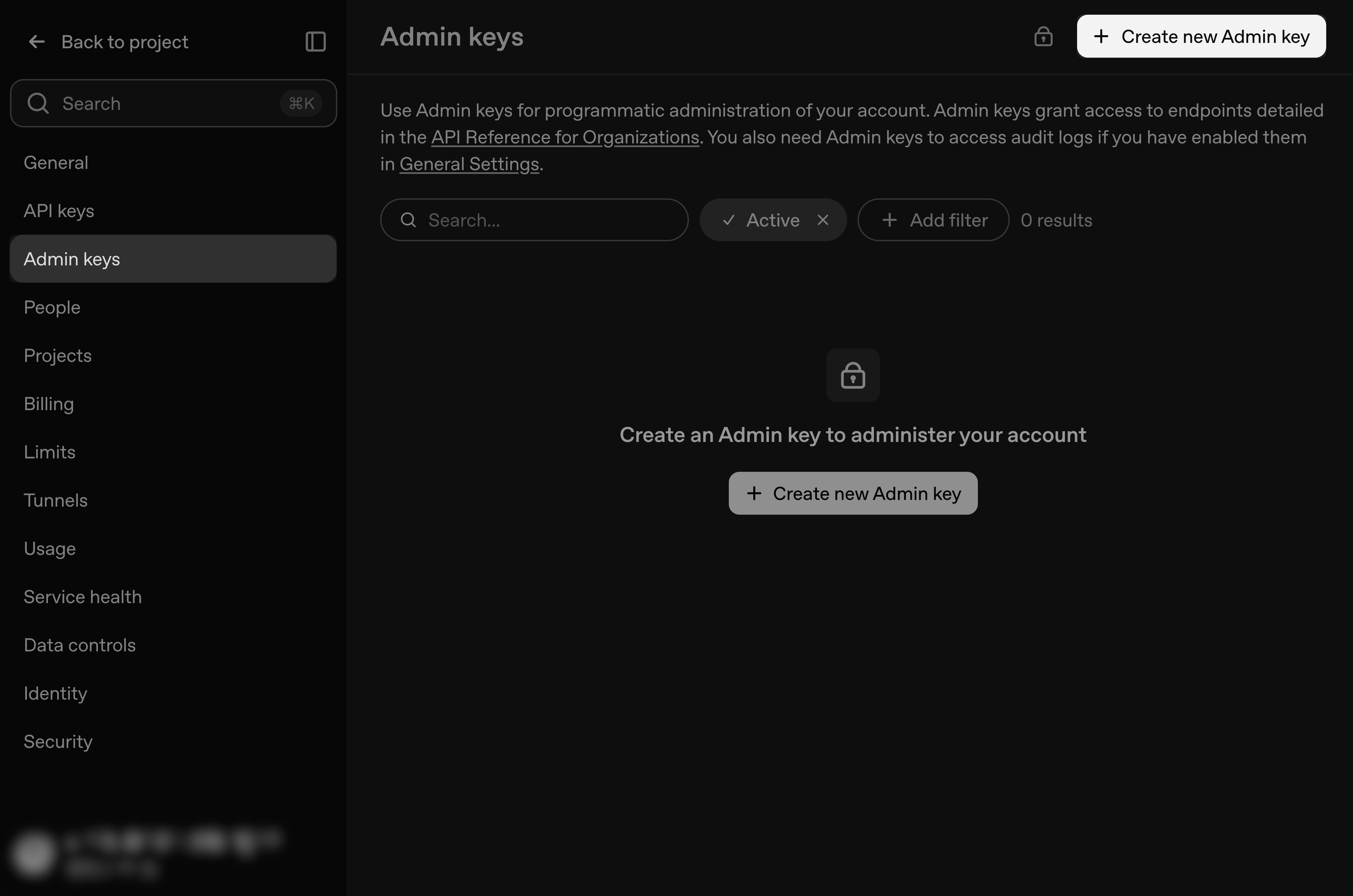
Open OpenAI Admin API keys and select Create admin key.
-
Give the key a descriptive name and set its expiration.
-
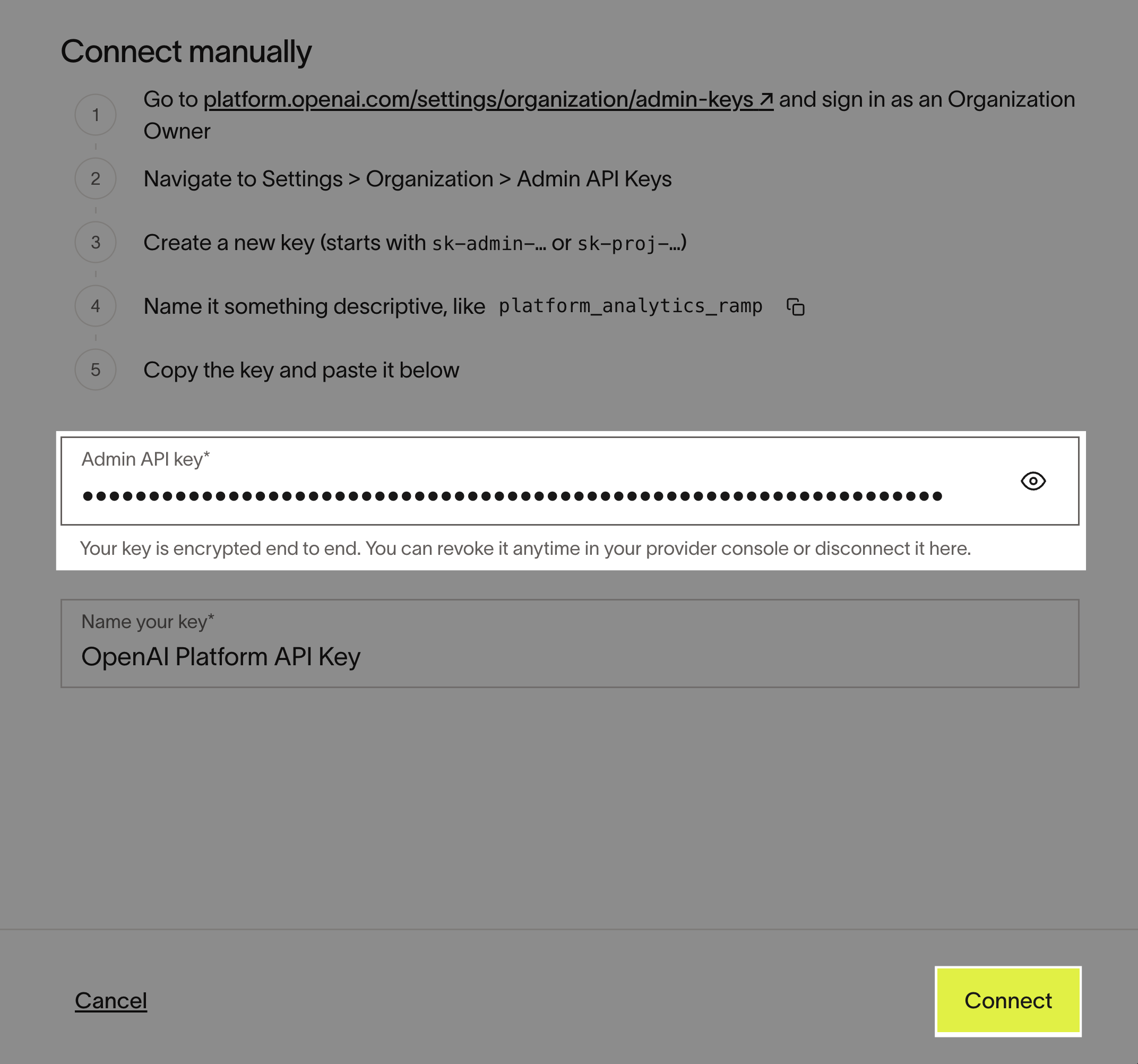
Copy the key, open Connect OpenAI API in Ramp, paste the key, and select Connect.
Troubleshoot connecting OpenAI API
Check whether you are an OpenAI admin
- Open OpenAI Admin API keys.
- If you are an admin, Admin keys appears in the left navigation and you can select Create new Admin key. This is different from the API keys page.
Get help from an OpenAI admin
-
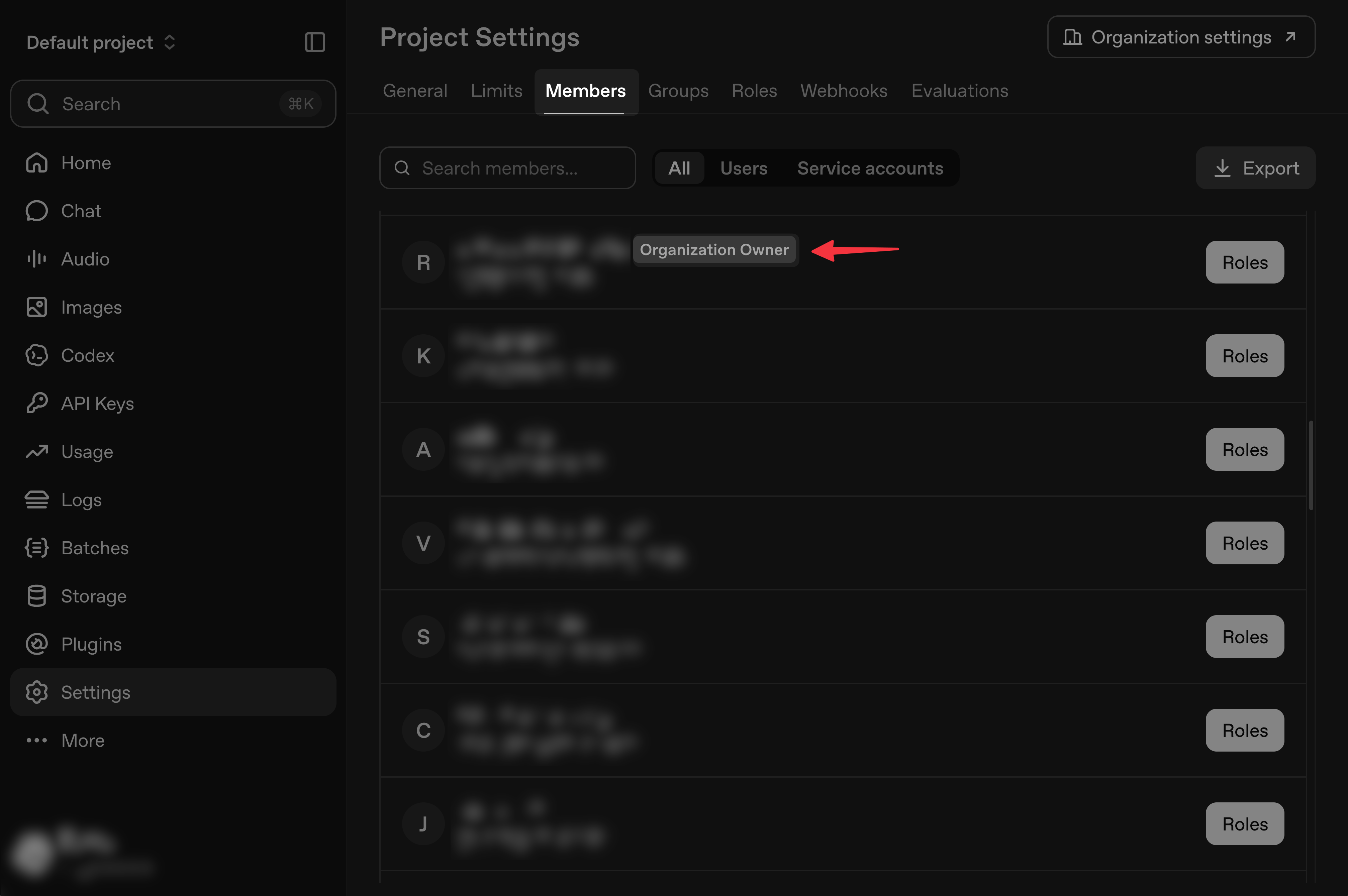
Open Settings in OpenAI Platform, then select Members.
-
Find members with the Organization Owner label.
-
Open Connect OpenAI API in Ramp.
-
Select Email admin and send the connection instructions to an OpenAI admin.