Connect Cursor to AI Spend Management
Overview
Connect Cursor so Ramp can import your Cursor usage and cost data into AI Spend Management. You can connect automatically with Ramp for Chrome or manually with a Team API key.
Note: Provider setup is the same whether your business has a standalone AI Spend Management account or a core Ramp account.
Before you connect Cursor
Your Ramp role must allow you to connect providers. See roles that can connect providers for core and standalone accounts. If you do not have one of these roles, ask someone who does to connect the provider.
Connect automatically with Ramp for Chrome
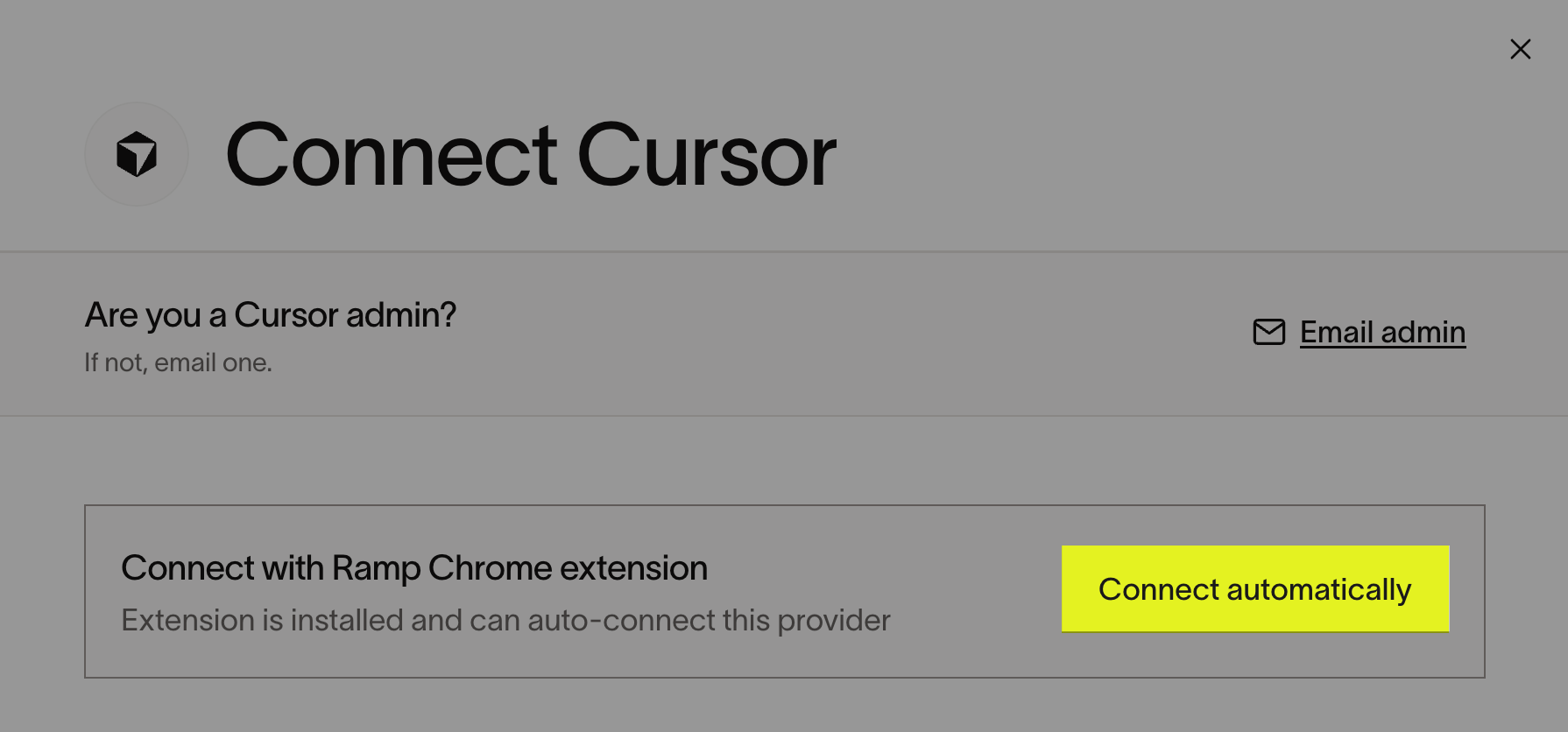
This recommended option is available when you use a supported browser with Ramp for Chrome installed. If you do not see Connect automatically, use the manual Team API key instructions instead.
- Install Ramp for Chrome.
- Open Connect Cursor in Ramp.
- Select Connect automatically. If you are a Cursor admin, Ramp creates the API key and starts the import. The initial backfill can take up to 24 hours; after that, data syncs daily and reflects the previous day's activity. Otherwise, Ramp identifies your Cursor admins and emails them instructions.
Connect manually with a Team API key
Note: You must be a Cursor admin to create a Team API key. If you are not an admin, ask a Cursor admin to create the key. See Check whether you are a Cursor admin.
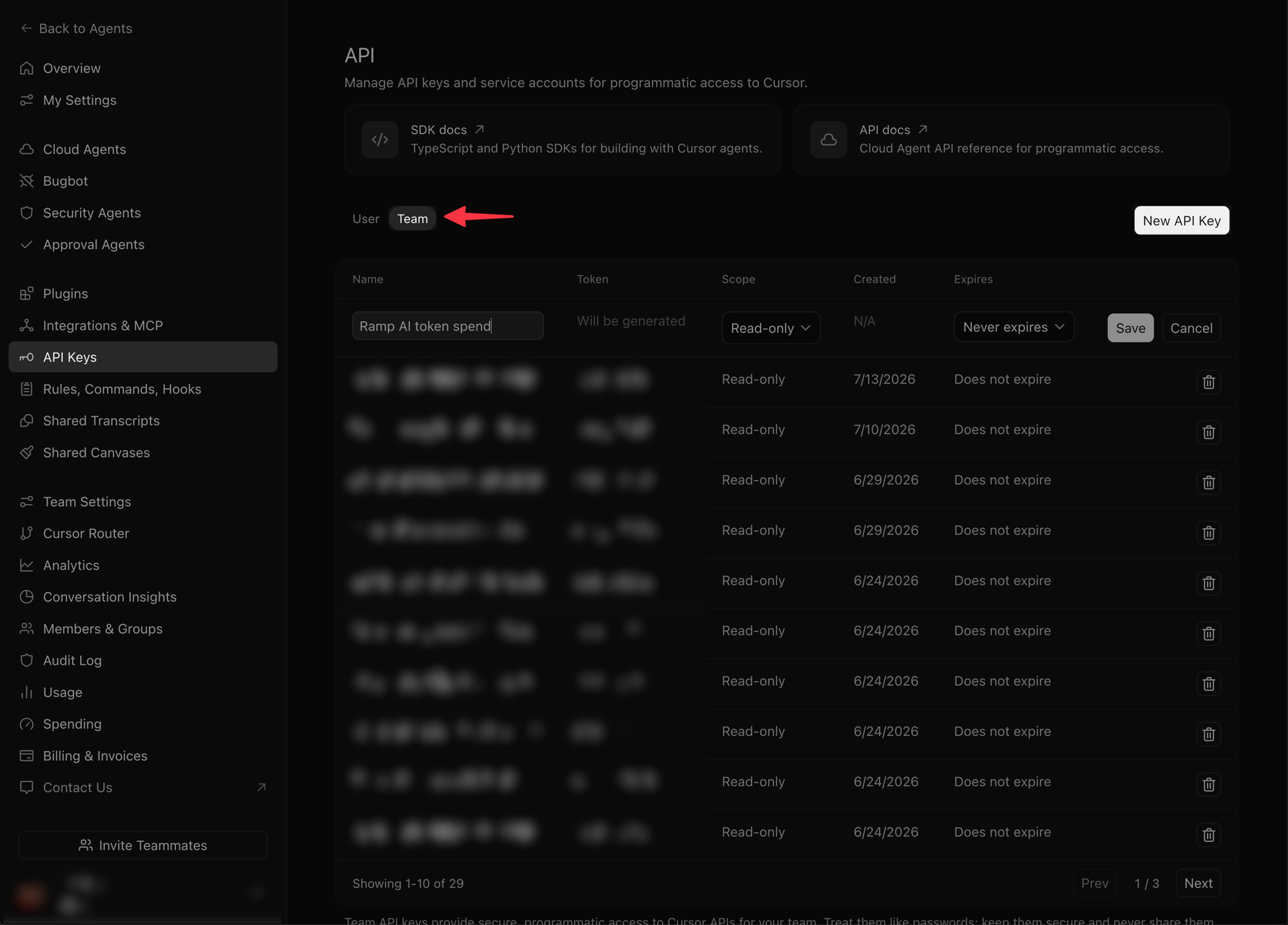
- Open Cursor API Keys and select Team. If you do not see Team, ask a Cursor admin to connect the provider.
- Select New API Key.
- Give the key a descriptive name and set your desired expiration.
- Set the scope to Read-only.
- Select Save, then copy the key.
- Open Connect Cursor in Ramp.
- Paste the key and select Connect. Ramp starts the import. The initial backfill can take up to 24 hours; after that, data syncs daily and reflects the previous day's activity.
Troubleshoot connecting Cursor
Check whether you are a Cursor admin
- Open Cursor API Keys.
- Confirm that you can see both User and Team.
- Select Team and confirm that New API Key appears. If either option is unavailable, ask a Cursor admin to connect the provider.
Get help from a Cursor admin
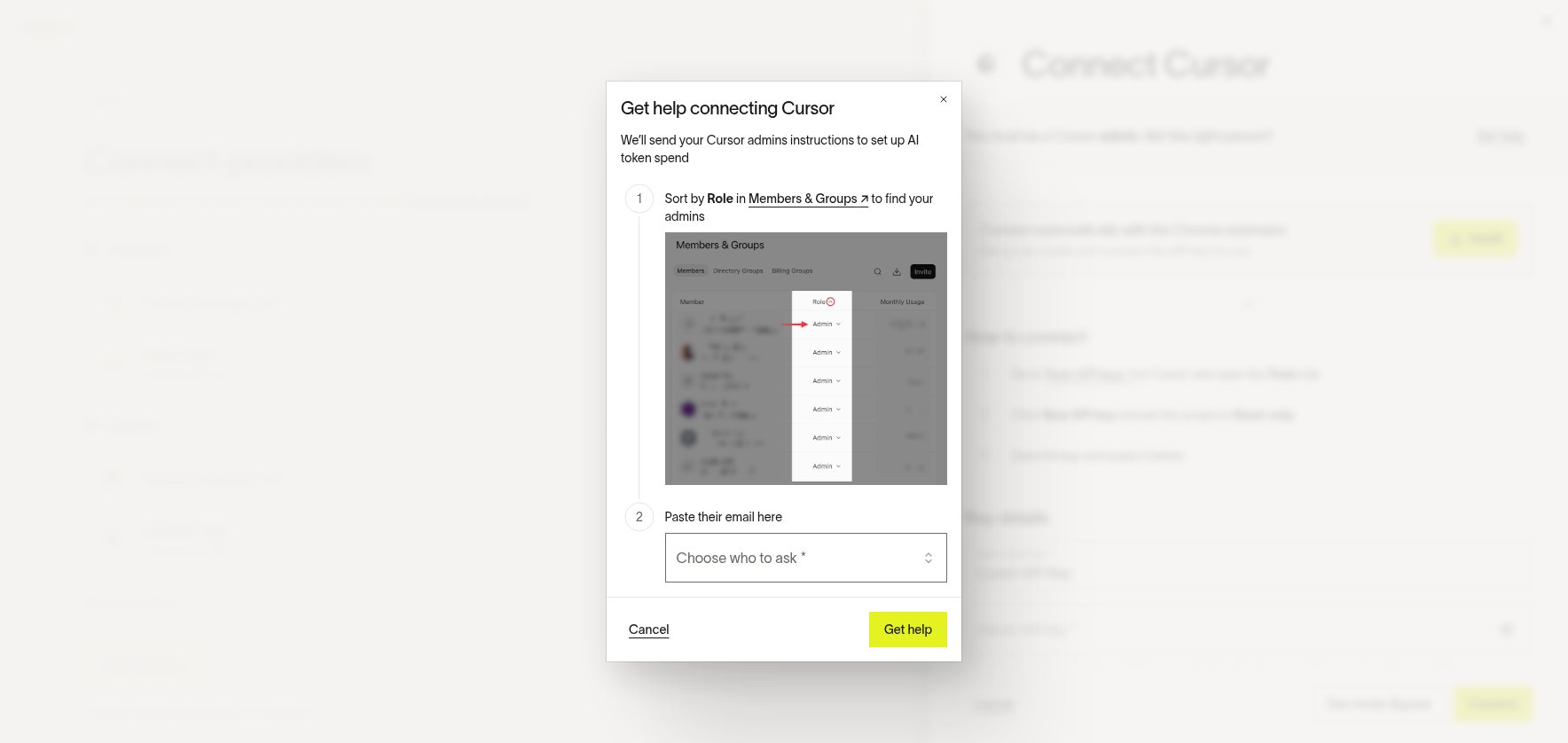
If you are not a Cursor admin and Get help appears in Ramp, you can send setup instructions to your Cursor admins.
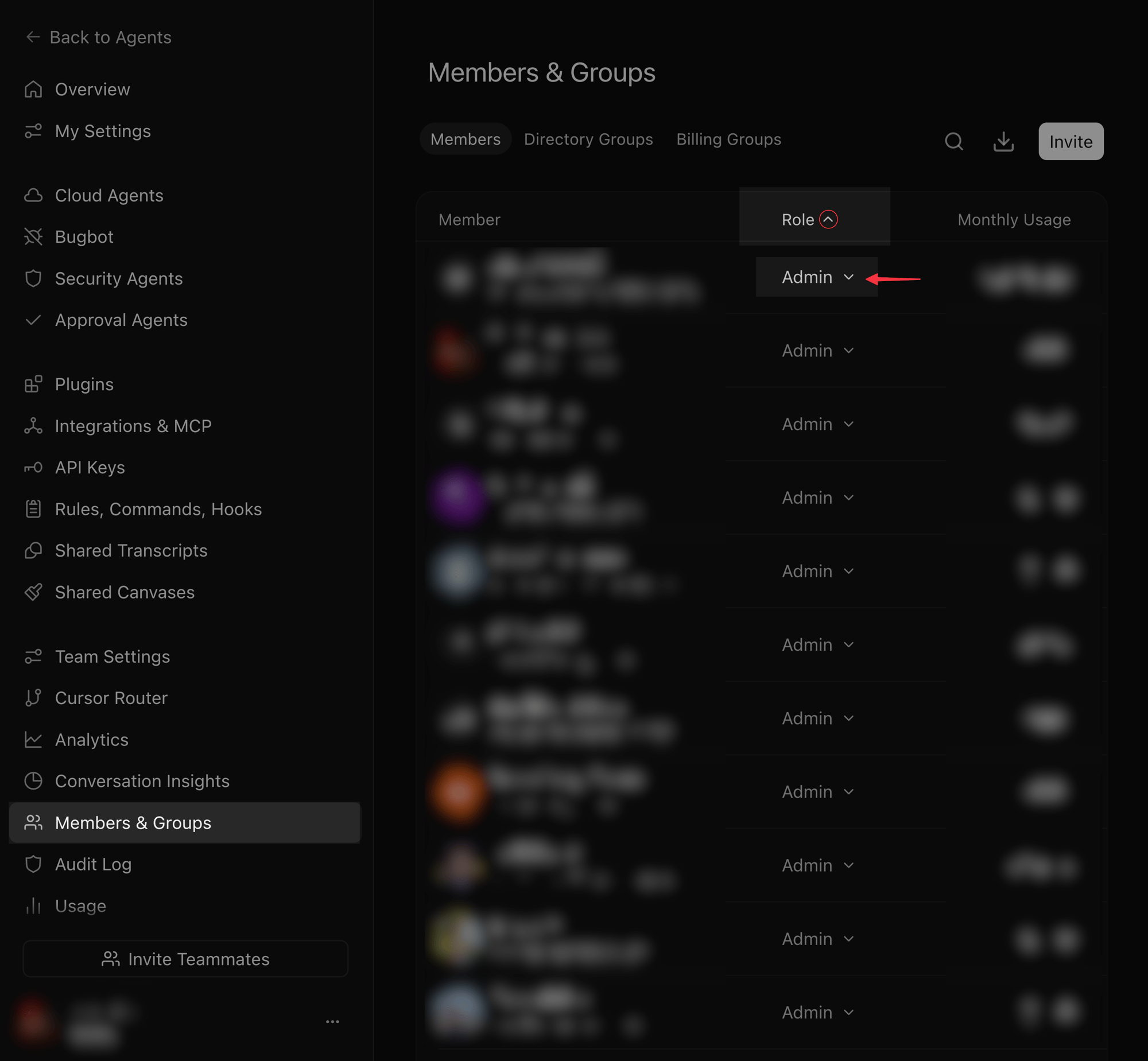
- Open Members & Groups in Cursor.
- On the Members tab, select the Role table header once to sort roles in ascending order.
- Find members with the Admin role.
- Open Connect Cursor in Ramp.
- Select Get help, choose your Cursor admins, and send the instructions.