What to do if you're missing a receipt
Overview
If you are missing a receipt for a particular transaction, our system allows you to let your Finance team know without ever leaving the platform.
Note: This article covers Ramp card transactions. If you're missing a receipt for an out-of-pocket reimbursement, see the Out-of-pocket reimbursements section of Submitting reimbursements instead.
What if I am unable to submit a receipt?
There are three places to flag a missing receipt:
On the web app:
- Under Home > Expenses, click on the transaction that is missing a receipt.
- Select Options
- Click on I don't have a receipt
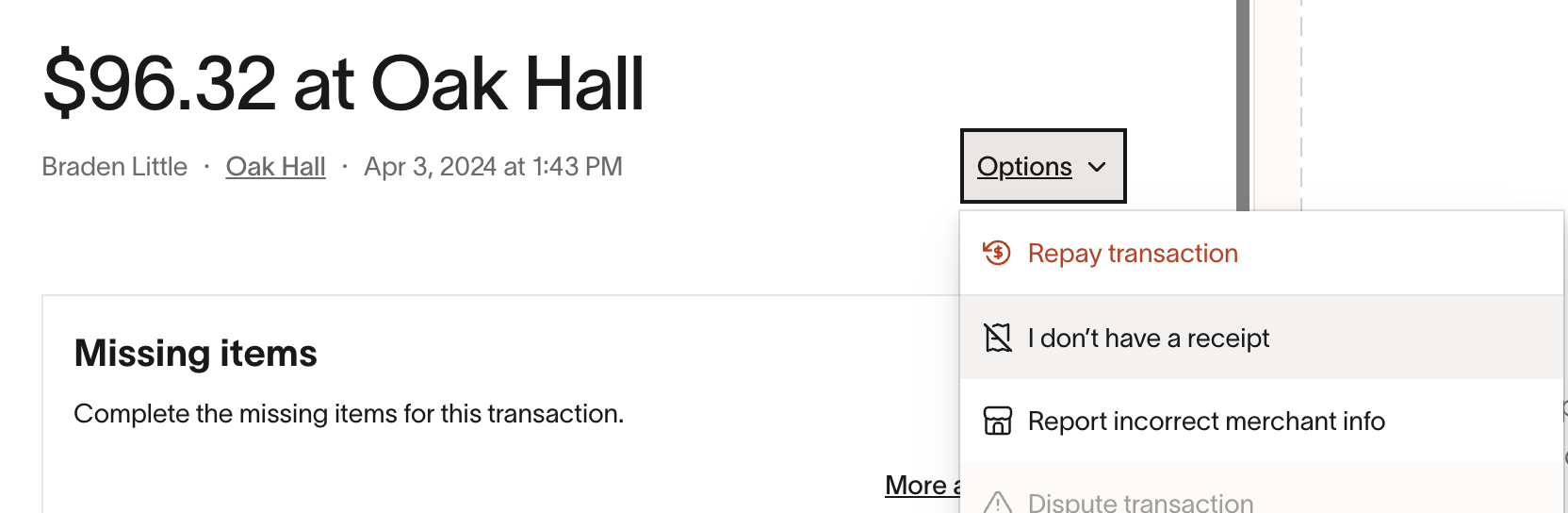
4. Complete this form to let your finance team know you aren’t able to provide a receipt.
On the mobile app: Click on the transaction for which you're missing a receipt. Click on Actions at the bottom of the page. Click 'I don't have a receipt.'
Via SMS: When submitting missing items via SMS, Ramp will ask for a receipt. If you don't have a receipt, you may reply "OOPS." Replying "OOPS" will start a policy exception request.
Who is responsible for approving this request?
By default, these requests are sent to your admins to alert them about the missing receipt—but only if the transaction would have otherwise been auto-approved. Your admins can then dismiss the requirement or request further action based on company policy.
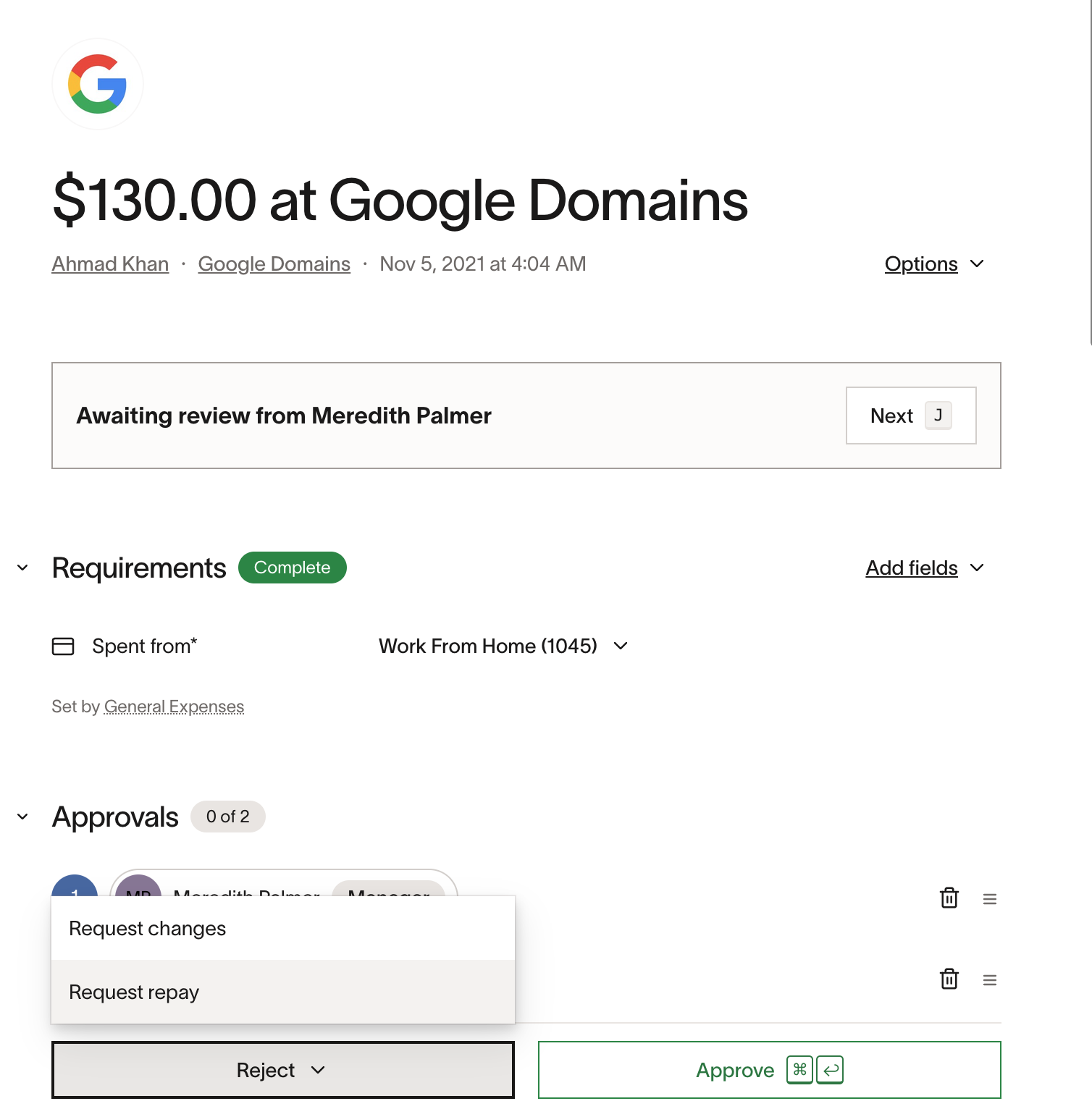
If the transaction wouldn't have been auto-approved, your request will go through your company's designated approval flow.
What if my funds are locked due to this missing receipt?
To unlock funds that have been automatically locked due to missing items, indicate that you're unable to complete the receipt requirement. This will unlock the funds.
The transaction will still need to be reviewed according to your company's approval workflow. Your approvers can then approve the expense or take other follow-up action.
If you cannot upload a receipt to your transaction, e.g. it's being disputed, your finance team may dismiss transaction requirements on your behalf.
How do I dismiss requirements on a user's behalf (manager/Admin only)
As an admin or business owner, you can dismiss a receipt requirement by clicking on the transaction and clicking 'Options' > Dismiss missing item requirements,' as shown below:
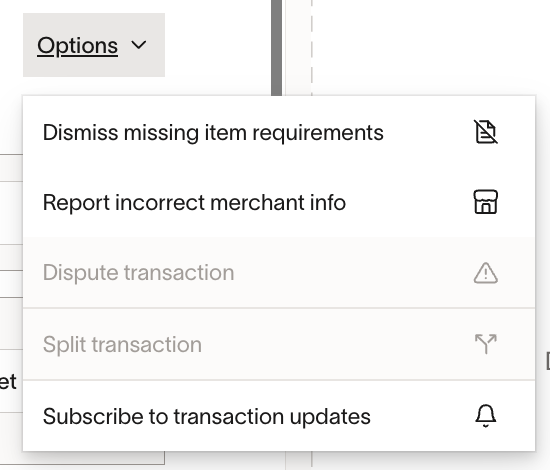
If an employee has already requested an exception, you will see the following instead:
