SAML IdP-initiated logins
Can I sign in to Ramp with SP-initiated SAML?
- Go to: https://app.ramp.com/sign-in.
- Enter your email address.
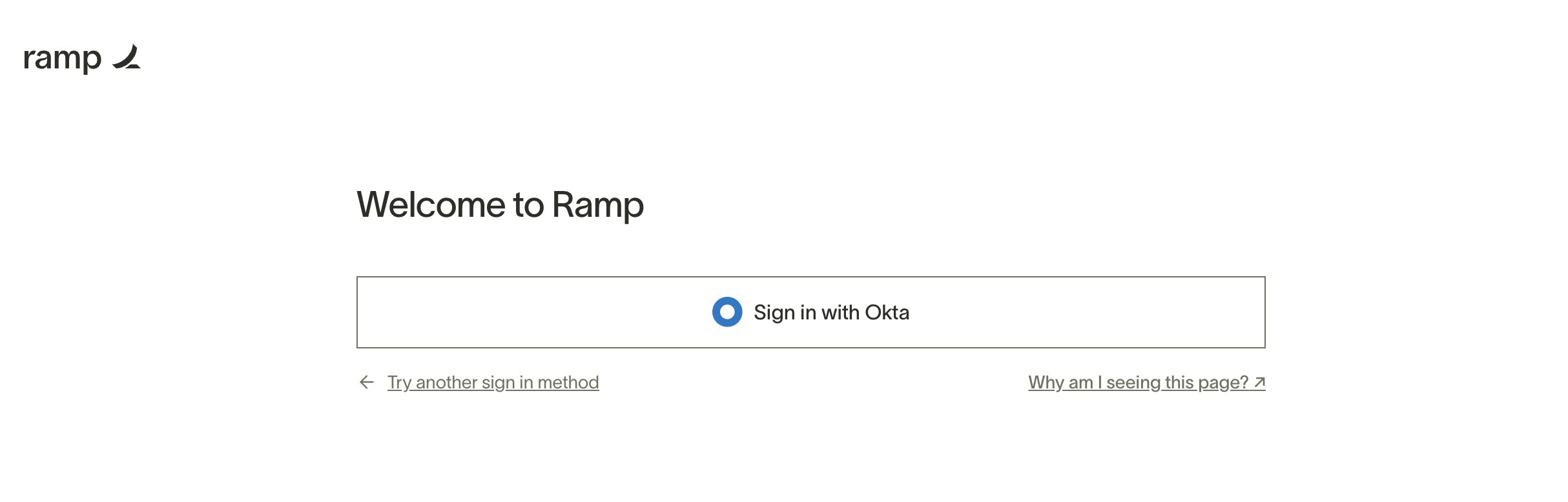
- Click the “Sign in with <Identity Provider>” button.
Ramp remembers your email address after the first sign-in, so you won’t have to enter your email address the next time you sign in to Ramp.
Can I sign in to Ramp with IdP-initiated SAML?
Ramp does not support IdP-initiated sign-ins.
Ramp used to support a comparable sign-in flow via "bookmark URL" (a.k.a. "sign-on URL"), by using a customized https://app.ramp.com/sign-in/saml/\<Unique ID> to simulate an IdP-initiated sign-in. However, due to a browser update in early 2024 this flow is now deprecated. Going forward, users now have to click the Sign In button when using these bookmarks.