Sage Intacct Sync Error: BillHasNoEntityOrSubsidiary('This bill has no entity or subsidiary. Please add an entity or subsidiary to this bill and try again.')
Overview
Ramp has received the following error message from your Accounting Provider Sage:
BillHasNoEntityOrSubsidiary('This bill has no entity or subsidiary. Please add an entity or subsidiary to this bill and try again.')
How to resolve
Please follow these steps to resolve this error from Sage:
- Go to Entities under Company and confirm the entity is not connected.
- Click the Edit icon next to "INSERT ENTITY NAME HERE
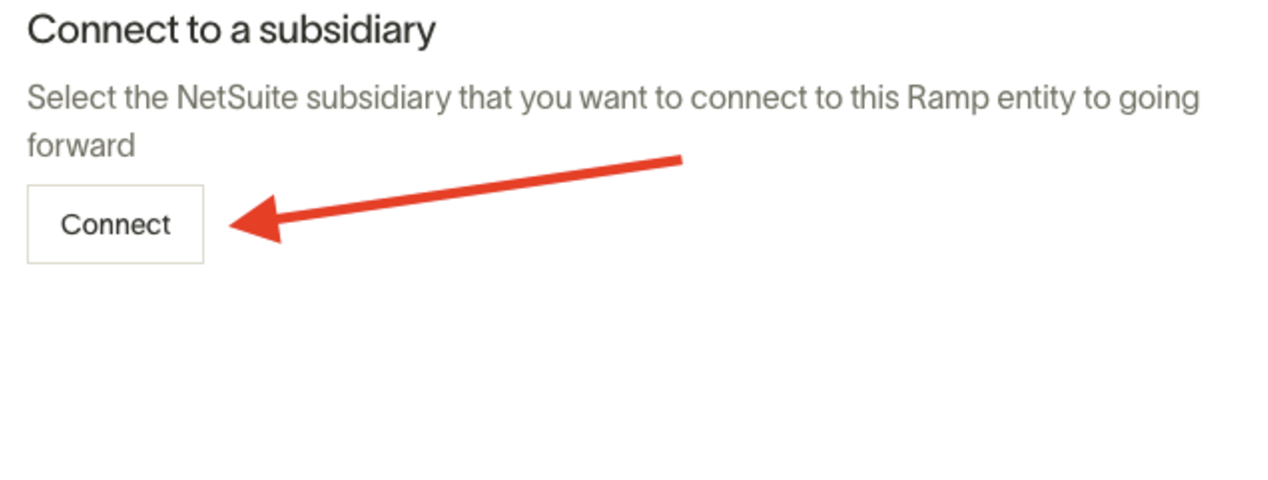
- Under the heading "Connect to a Subsidiary" select connect
- Retry the sync
Raw error message: "BillHasNoEntityOrSubsidiary('This bill has no entity or subsidiary. Please add an entity or subsidiary to this bill and try again.')" for your technical team.