Receipt verification
Overview
Ramp automatically verifies that receipts match their corresponding transactions, saving finance teams time by removing the need for manual verification.
How Ramp verifies receipts
Ramp checks the receipt against its transaction by comparing the following fields:
- The amount must match
- The date OR the merchant must match
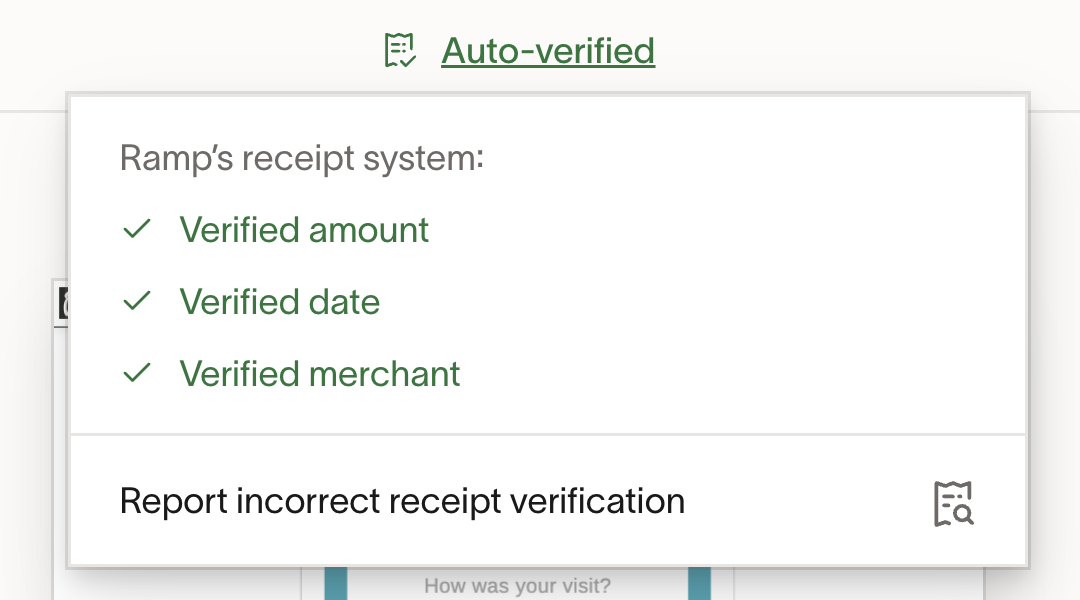
If the receipt passes these conditions, Ramp will label it as "Auto-verified" (green icon).
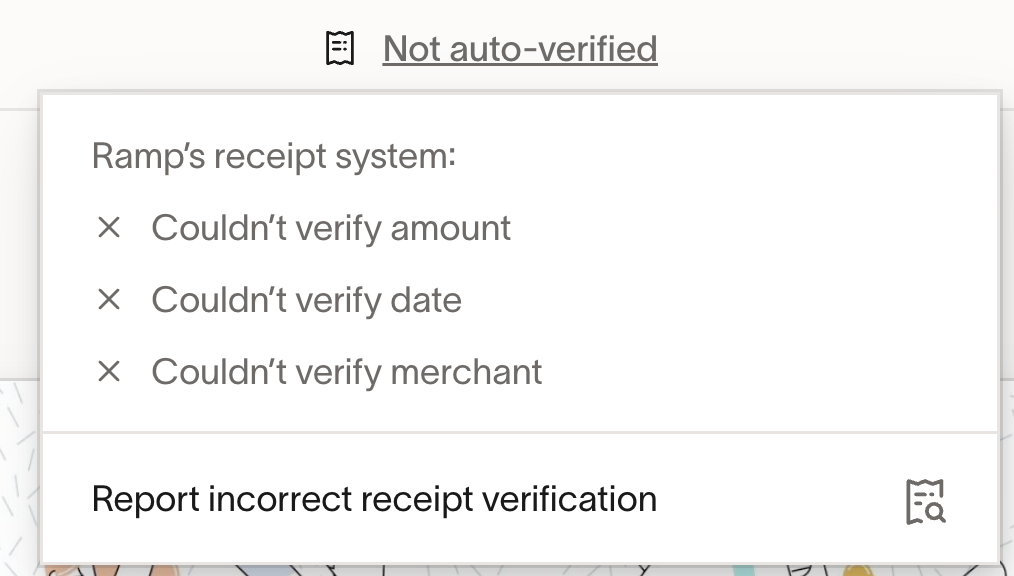
If the receipt does not pass these conditions, Ramp will label it as "Not auto-verified" (grey icon).