QuickBooks Online Sync Error | We weren't able to sync across this bill as the QuickBooks account used to pay this bill has been deleted.
Overview
Ramp has received the following error message from your Accounting Provider QuickBooks Online:
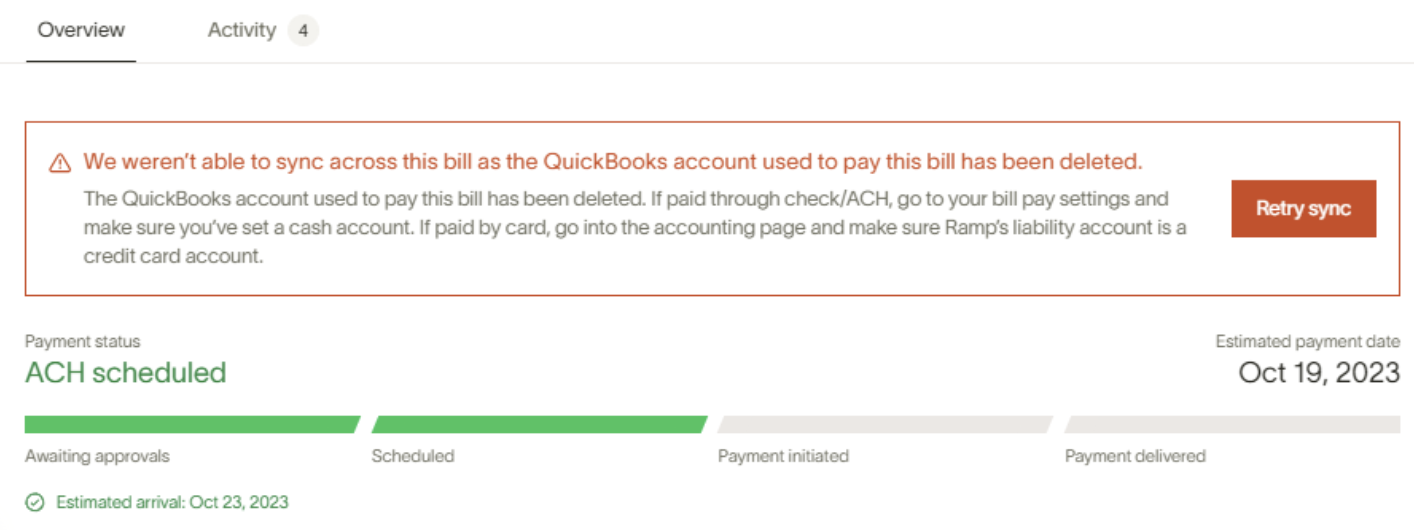
The QuickBooks account used to pay this bill has been deleted. If paid through check/ACH, go to your Bill Pay settings and make sure you’ve set a cash account. If paid by card, go into the accounting page and make sure Ramp's liability account is a credit card account.
Retry sync
How do I resolve this error?
To resolve this sync issue for this bill, you can do one of the following:
- Delete the bill from your QuickBooks and then re-sync the bill from Ramp, or
- Manually reconcile directly within your QuickBooks
Please note if the steps above does not resolve the issue, it's likely the connection between Ramp and your QuickBooks has gone stale.
The next step is unlinking your QBO account and then reconnecting it to reestablish the connection.
To do so, go to Accounting > Settings > click Disconnect QuickBooks. After you disconnect it you will then be able to reconnect it.