QuickBooks Online Sync Error | Required param missing, need to supply the required value for the API | Required parameter Line. AccountBasedExpenseLineDetail.AccountRef is missing in the request.
Overview
Ramp has received the following error message from your Accounting Provider QuickBooks Online:
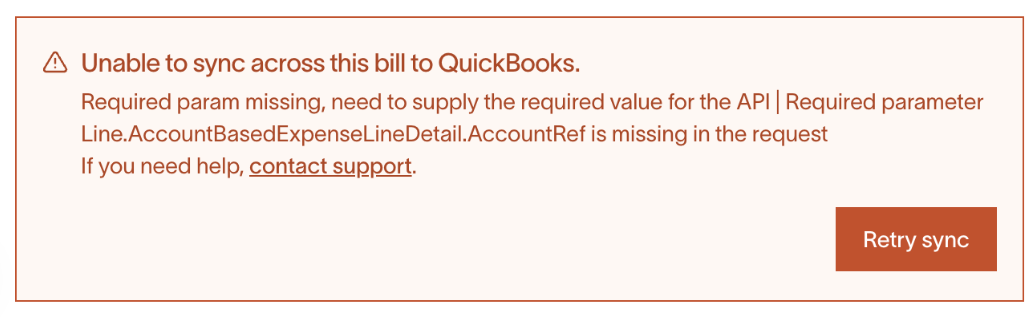
Required param missing, need to supply the required value for the API | Required parameter Line.AccountBasedExpenseLineDetail.AccountRef is missing in the request.
Why is this happening?
There is a missing QuickBooks General Ledger account set for this bill
How do I resolve this error?
- Go to the Bill Pay tab and locate the bill in question.
- Click the Edit bill button.
- Scroll down to the Invoice total section and select a QuickBooks category for that field.
- Click the Save changes button to finalize.
- You should be able to sync this bill payment to your account now.
Raw error message: Invalid account type used | Invalid account type: You need to select a different type of account for this transaction for your technical team.