QuickBooks Online Sync Error | Duplicate Document Number Error: You must specify a different number. This number has already been used.
Overview
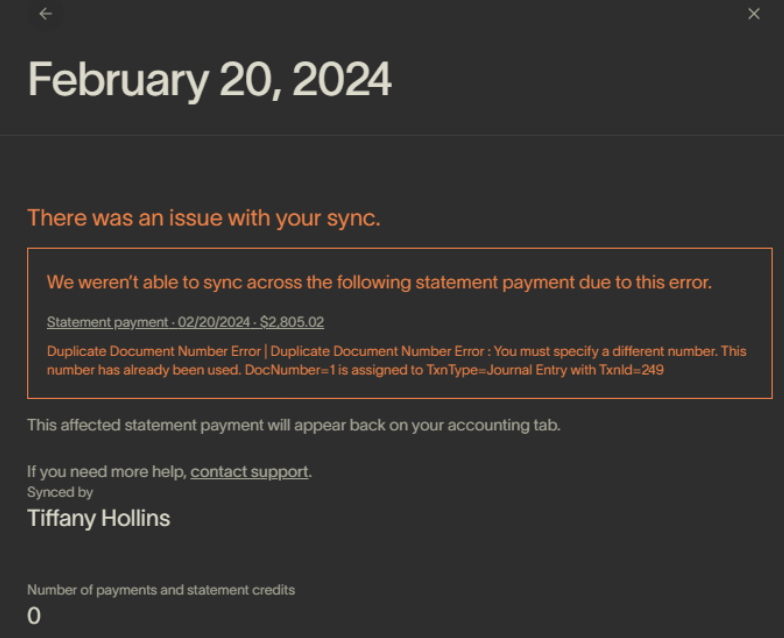
Ramp has received the following error message from your Accounting Provider QuickBooks Online:
Duplicate Document Number Error: You must specify a different number. This number has already been used. DocNumber =1 is assigned to TxnType=<{id}> with Txnid= {id}
Why is this happening?
This error occurs when a specific setting within QuickBooks is enabled that causes an error with our integration. The solution provides what the setting is and how to turn it off.
How do I resolve this error?
- Navigate to QuickBooks Online Settings > Account and Settings > Advanced
- Check if ‘Warn if duplicate check/bill number is used’ is turned OFF. If it is not, please try turning it off and then attempt to sync again.