QuickBooks Desktop integration: Permissions for IIF file import
Overview
By default, only an Administrator or an External Accountant can import an IIF file into a QuickBooks File. Thus, any user managing this process who is not in one of these roles needs to have permissions updated to be able to import successfully.
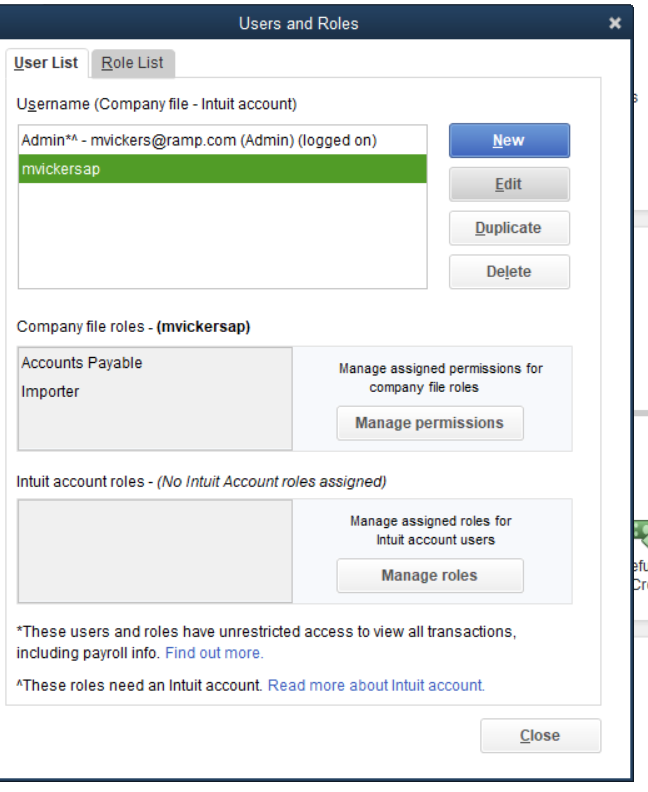
Three options to update permissions:
- Change the user to one of the roles that allows Import (Administrator or External Accountant)
- Change the role applied to that user to allow imports and have the permissions below:
- Create a new role (e.g.) Importer that allows import and have the permissions below, and assign that role to the user. Explained further below
Create a new role, called importer, with the following permissions granted:
- File - Import - Full
- Accounting - General Journal - Create
- Banking - Credit Card Charges - Create
- Centers - Vendor Center - Create & Modify
- Customers & Receivables - Credit Card Refunds - Create
- Lists - Chart of Accounts - View List & View Balance
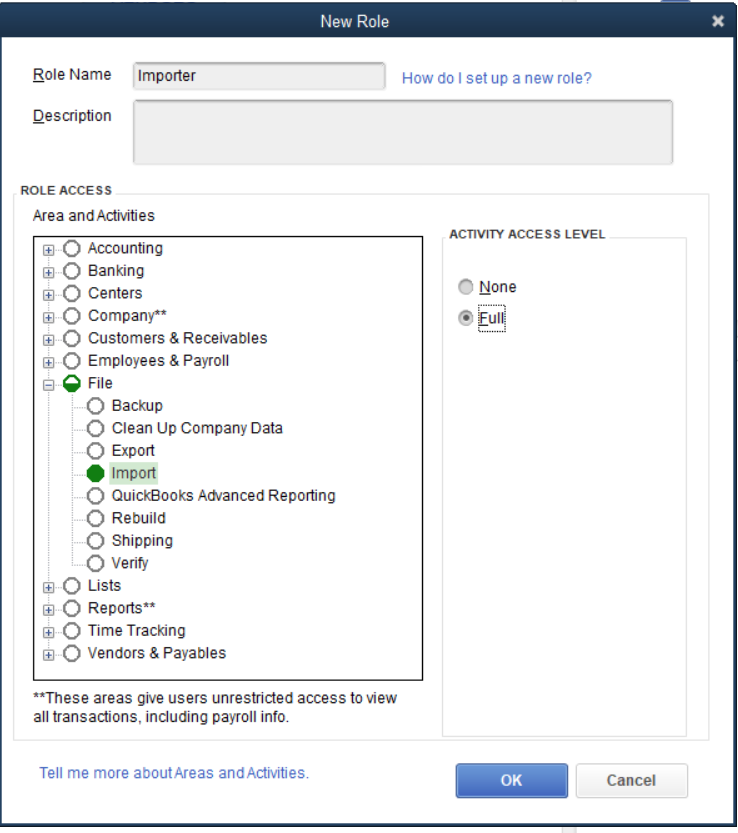
Add the importer role to the list of roles that this user has:
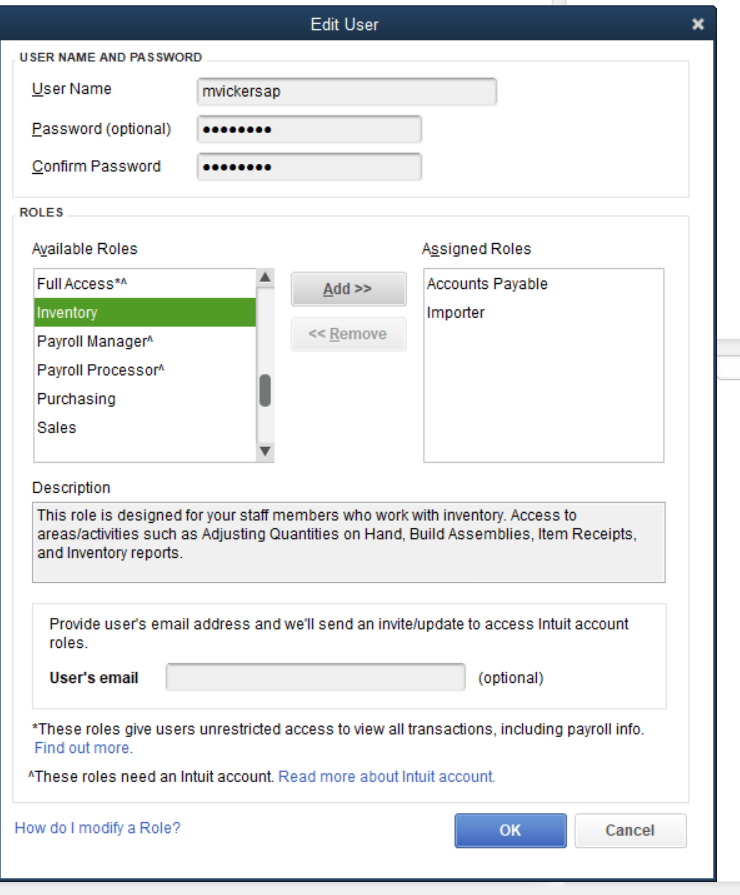
And save the user. We can now see the user has both roles:
If I then sign in with this role:
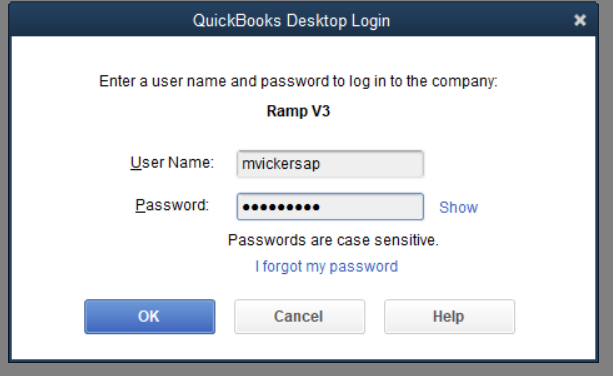
I should be able to import an IIF file that contains a list of vendors and a list of credit card charge transactions and refunds.