NetSuite Sync Error | Vendor Unapproved for NetSuite Sync
Overview
Ramp has received the following error message from your Accounting Provider NetSuite:
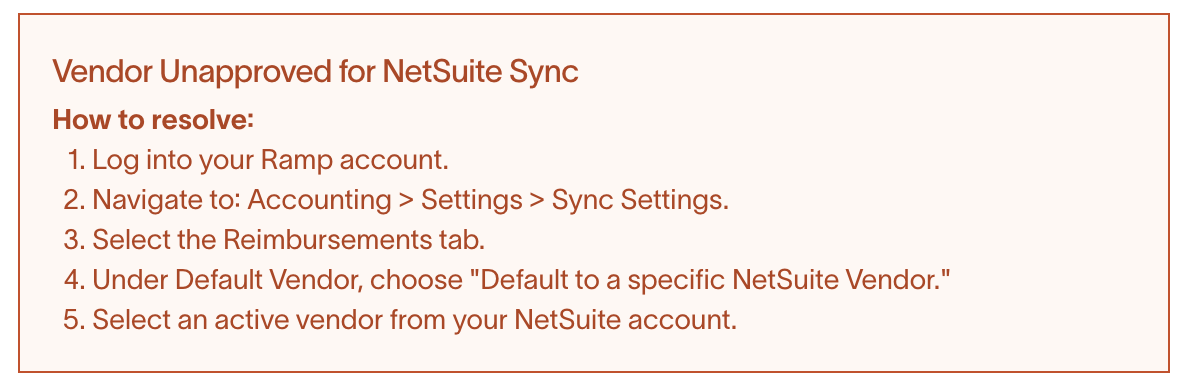
Vendor Unapproved for NetSuite Sync
How do I resolve this error?
Please follow these steps to resolve this error from NetSuite
- Sign in to your Ramp account.
- Navigate to: Accounting > Settings > Sync Settings.
- Select the Reimbursements tab.
- Under Default Vendor, choose "Default to a specific NetSuite Vendor."
- Select an active vendor from your NetSuite account.
Raw error message: The Vendor is Unapproved, please contact Render to Approvefor your technical team.