Editing the accounting date on Ramp
Overview
When syncing transactions on Ramp, you may get an error message telling you your accounting period is closed. This occurs when a transaction you try to sync belongs to an accounting period already closed in your software.
You can always re-open your books for that month and sync that transaction into your software. Alternatively, you can edit an accounting date on Ramp directly.
How to resolve
In Accounting, select the transaction you need to edit.
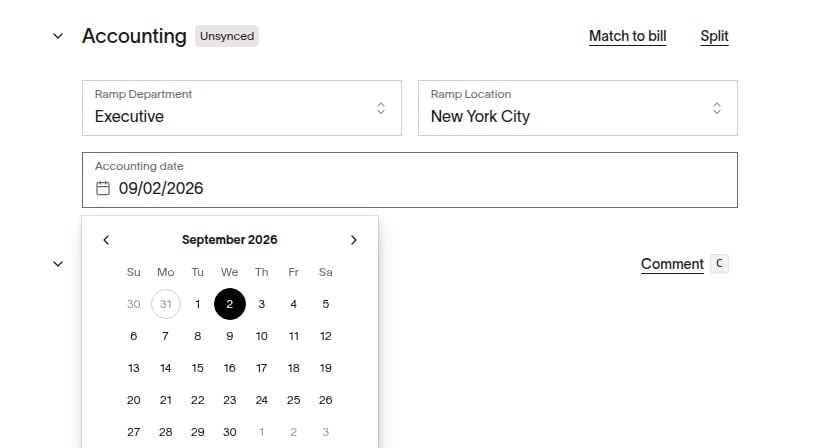
In the transaction's Accounting section, edit the Accounting date to a date in a currently open period in your accounting software.