Customer referrals
Overview
Ramp offers referral bonuses when customers refer other companies to Ramp. This document outlines how to refer companies, track referrals, and receive payment. For Partner referrals, see our article on Partner status, referral, and payouts.
How to make and track referrals
-
Head to our Referrals page which you can access at 'Refer & Earn' under your profile in the top right. The current referral offer amount will be available to review on this page
-
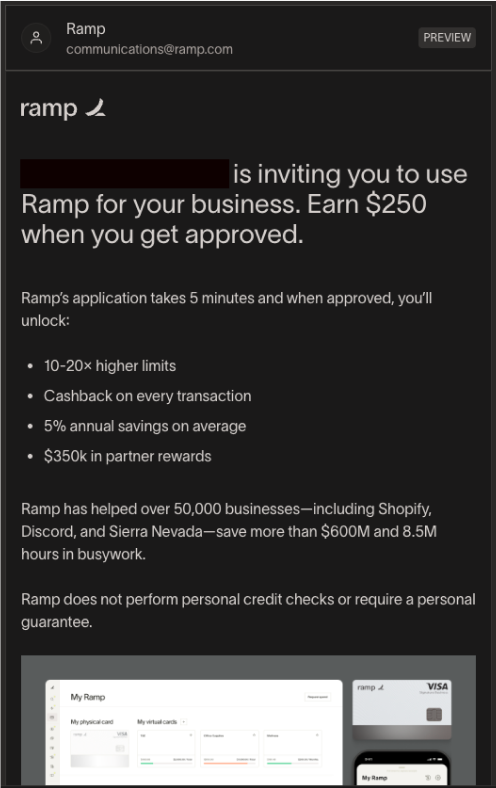
Select Invite via emailor Copy referral linkand share the link with the company you are referring. The invitee will receive the following communication.
-
You can track your referrals on the Referrals page. The referral status will update from "Approved" to "Eligible for Bonus" once the referrer meets eligibility criteria. See eligibility criteria at How it works on the top right of the page.
How to receive the payout
Once your referral has signed up for Ramp, been approved, and met eligibility criteria, the status will update to "Eligible for Bonus." The payout is made via a virtual card and can be found at the bottom of the Referral page under Card Rewards. Add the card details to your preferred wallet or enter the details at checkout to spend the bonus.