Acumatica | Ramp customization troubleshooting
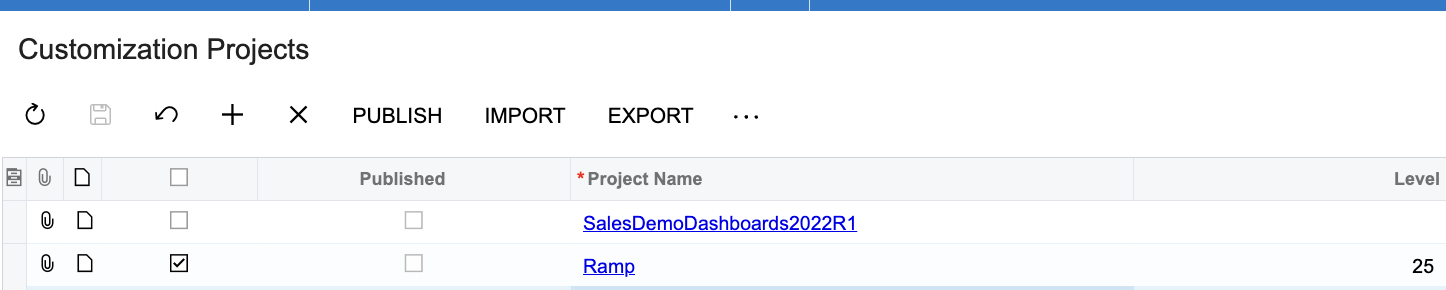
If the Ramp customization causes any other issues with other customizations in Acumatica, then lower its priority level in Acumatica. Note: Lowering the priority level actually means increasing the level in Acumatica. In other words, Level 25 is higher priority than Level 50.
Steps:
- Navigate to Menu
- More items
- Customization
- Customization Projects
- Click on the Project Name
- File -> Edit Project XML -> Add the priority. (higher priority means lower level)
- Click save to database
- Exit out of editor
- Reload projects